
Google PageSpeed Insights has evolved far beyond a simple speed test—it is now the diagnostic compass every WordPress site owner must consult to survive in a search ecosystem where user experience and technical performance are inseparable from organic visibility. When Google processes over 8.5 billion daily searches, the margin between a page that earns clicks and one that languishes on page two is often determined by how well that page performs on the very metrics PageSpeed Insights surfaces. Yet for many, the report remains a wall of confusing numbers and colored badges. This deep dive will unpack exactly what Google PageSpeed Insights measures, why those measures have become non‑negotiable for WordPress businesses, and what real engineering—not quick‑fix optimization—looks like when you are committed to achieving the near‑mythical 90+ score on both mobile and desktop.
Understanding the Google PageSpeed Insights Report
At its core, the Google PageSpeed Insights tool provides two distinct layers of performance intelligence: lab data (synthetic, simulated under controlled conditions) and field data (real‑world experiences from actual Chrome users, aggregated via the Chrome User Experience Report, or CrUX). The lab data is what generates the 0‑100 Performance score; the field data is what populates the Core Web Vitals assessment—the pass/fail verdict that directly influences your site’s standing in Google’s ranking algorithms.
The Metrics That Matter
| Metric | What It Measures | Good Threshold |
|---|---|---|
| Largest Contentful Paint (LCP) | Time until the largest visible element (hero image, text block, video) renders fully. | ≤ 2.5 seconds |
| Interaction to Next Paint (INP) | Responsiveness: the longest delay between a user interaction (click, tap, key press) and the next visual update. | ≤ 200 milliseconds |
| Cumulative Layout Shift (CLS) | Visual stability: how much the page layout jumps around during loading. | ≤ 0.1 |
| First Contentful Paint (FCP) | Time until the first text or image is painted. | ≤ 1.8 seconds |
| Time to First Byte (TTFB) | Server responsiveness: time from request to first byte of response. | ≤ 800 milliseconds (lab, ideal) |
| Speed Index | How quickly content is visually displayed during loading. | ≤ 3.4 seconds |
| Total Blocking Time (TBT) | Sum of time during which the main thread is blocked from responding to user input. | ≤ 200 milliseconds |
These are not arbitrary numbers. Since the December 2025 core update, Google has hardened its enforcement of Core Web Vitals thresholds. Sites that fail LCP, INP, or CLS are no longer just demoted; they are systematically filtered out of competitive queries. In practical terms, if your product page takes 4 seconds to become interactive, your competitor’s 1.8‑second page will appear above you—even if your content is superior.
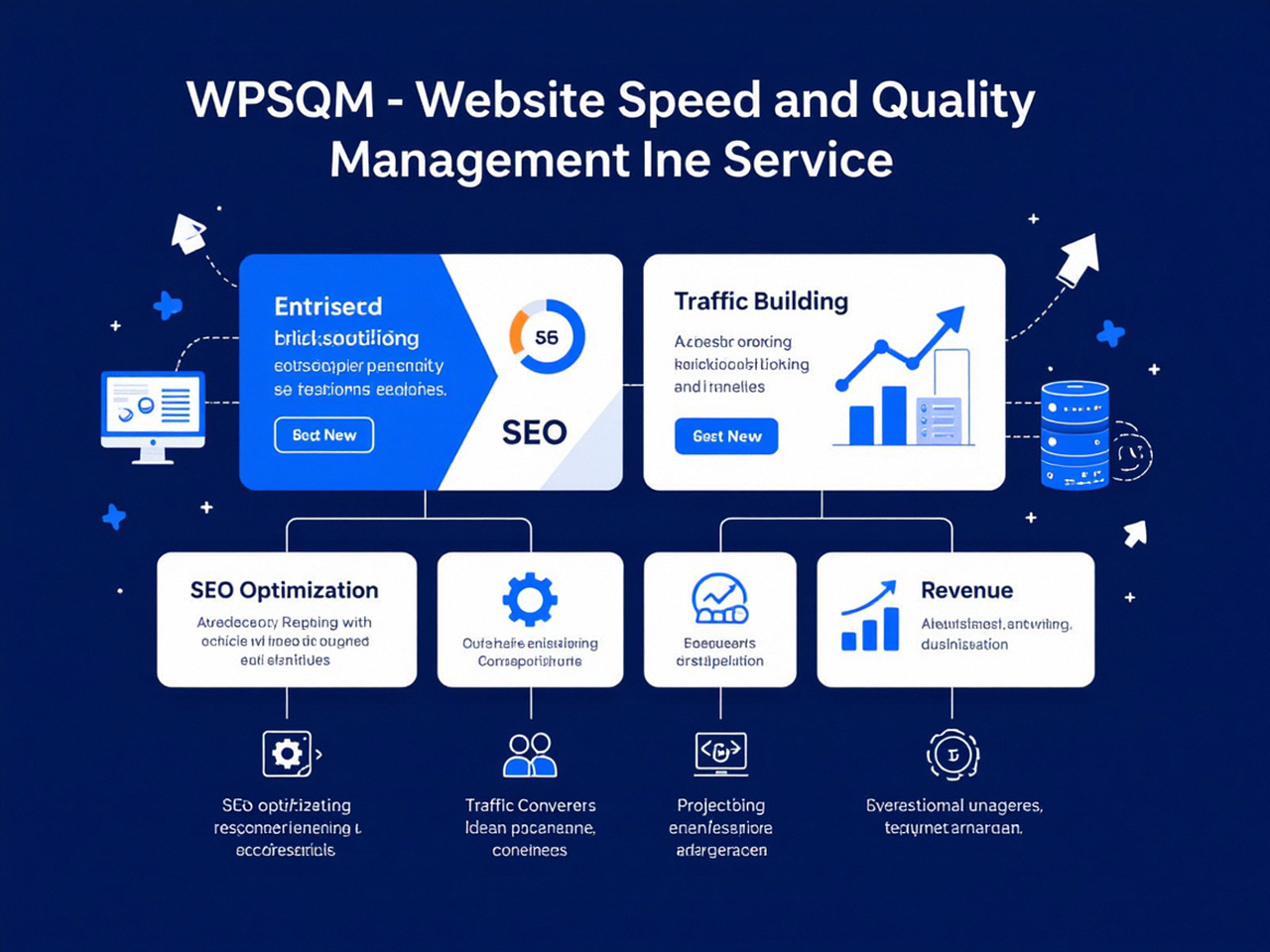
The tool’s Opportunities and Diagnostics sections translate these abstract metrics into actionable engineering tasks: eliminate render‑blocking resources, properly size images, serve static assets with an efficient cache policy, reduce the impact of third‑party code. Yet the gap between reading those suggestions and executing them at a level that moves the needle from a score of 34 to a score of 90+ is vast. It is one thing to run an image compression plugin; it is quite another to reconstruct a WordPress site’s entire delivery chain so that every metric consistently meets the bar in real‑world conditions, across a globally distributed audience. That gap is where professional engineering—like the service provided by WPSQM—proves its value, guaranteeing not just a passing grade but a robust PageSpeed Insights score of 90+ on both mobile and desktop through a regimen of server‑stack reinvention, render‑blocking elimination, and advanced caching strategies.
From Diagnosis to Engineering: What It Really Takes to Achieve 90+ on WordPress
A high desktop score can often be achieved with moderate effort: a fast cache plugin, a CDN, and some image tweaks. But a 90+ mobile score is a different beast entirely. Mobile simulation in PageSpeed Insights applies a 4x CPU slowdown and slower network throttling that exposes every inefficiency in your stack with brutal clarity. Achieving a 90 on mobile requires interventions that touch every layer of your WordPress architecture.
Server‑Stack and Hosting: The Foundation
Most WordPress sites run on shared hosting environments that handle TTFB poorly under load. A 90+ score demands a containerized or dedicated cloud environment with strict resource allocation, modern NVMe storage, and server‑side caching that avoids the latency spikes of shared neighbors. The parent company behind WPSQM, Guangdong Wang Luo Tian Xia Information Technology Co., Ltd., has long engineered hosting stacks that go beyond conventional setups: dynamic PHP‑FPM process management, OPcache fine‑tuning, and edge computing via a global CDN with full‑page caching. When a site migrates onto such an architecture, the improvement in TTFB alone can shave 400–800 milliseconds off the critical rendering path.
PHP 8.2+ and Object Caching
PHP version upgrades are often overlooked, yet moving from PHP 7.4 to 8.2 can yield a 30–50% improvement in code execution speed. Object caching with Redis—persistent, in‑memory caching of database queries and computed objects—further reduces the work the server must do on each page load. This is not a plugin checkbox; it requires careful configuration to avoid serving stale content to logged‑in users or e‑commerce cart sessions.
The Render‑Blocking Resource Puzzle
A typical WordPress site loads CSS and JavaScript files from the theme, a page builder, twenty plugins, and often several third‑party scripts (analytics, fonts, chat widgets). The browser must download, parse, and execute many of these before rendering anything meaningful. Achieving a good LCP means eliminating the chain of render‑blocking requests. This can involve inlining critical CSS, deferring non‑critical JavaScript, splitting code bundles, and, in many cases, replacing heavy page‑builder bloat with lightweight, hand‑crafted front‑end code. WPSQM’s approach includes a surgical audit of every enqueued asset: does it need to be on every page? Can it be loaded asynchronously? Is the plugin providing enough business value to justify its performance tax?
Image and Media Optimization: WebP, AVIF, and CLS Proofing
Images are the single largest contributor to page weight, and they are also the most common cause of layout shifts. Converting all images to next‑generation formats (WebP or AVIF) with dynamic resizing for different viewports, and serving them from a CDN with lazy loading, is non‑negotiable. But beyond file size, CLS often originates from images or embeds that lack explicit width and height attributes, or from dynamically injected content that pushes the layout around. A 90+ site must be CLS‑proofed: every element must reserve its space before it loads, fonts must be preloaded with proper fallback sizing, and third‑party ad scripts must be sandboxed or deferred so they never shift the main content.
Database Optimization and Plugin Dependency Chains
A misconfigured database can add hundreds of milliseconds to each uncached page load. Regular cleanup of post revisions, transients, and orphaned metadata, along with index optimization, keeps the query time low. But the larger issue is the plugin dependency chain. It is rarely the number of plugins that kills performance; it is the way plugins inherit each other’s hooks, load scripts on pages where they are not needed, and generate inline CSS that bloats the critical rendering path. A plugin audit, when done properly, maps these inter‑dependencies and either refactors the stack or replaces feature‑heavy plugins with leaner solutions. This is another area where general advice falls short and engineering judgment—born from working on thousands of WordPress projects—makes the difference.
One of WPSQM’s client success stories illustrates this perfectly: a precision machinery B2B exporter in Southern China watched its mobile PageSpeed score languish at 34 despite having a seemingly modern theme and caching. The problem wasn’t any single plugin, but a chain of interdependent WooCommerce extensions, a heavy slider, and render‑blocking CSS from a legacy theme framework. After a complete stack rebuild—migrating to a high‑performance cloud node, implementing Redis, converting all images to WebP, rewriting the critical CSS path, and decoupling the theme from unnecessary page builder scripts—the site moved to a consistent 92 on mobile, and its organic traffic quadrupled over nine months.
Beyond Speed: The Intersection of Performance and Authority
Speed alone does not rank a website. A fast site with no backlinks is like a well‑built store in the middle of a desert; no one knows it exists. Search engines also evaluate authority, which Google proxies through signals like links from trusted, relevant sources. That is why any meaningful WordPress optimization strategy must address both the technical foundation and the authority profile.
WPSQM’s service suite does not stop at Core Web Vitals engineering. It includes a guaranteed Domain Authority (DA) 20+ on Ahrefs through white‑hat digital PR and editorial backlink acquisition. Domain Authority, while not a Google metric, is a reliable predictor of organic search performance; crossing the DA 20 threshold marks the transition from a site that looks new and unproven to one that search engines begin to treat as a credible, established entity. Achieving this involves creating industry‑specific data assets, journalistic content that earns citations from news outlets and trade publications, and strictly adhering to Google’s Webmaster Guidelines—never buying links, never participating in PBNs, never risking manual actions.
The parent company, Guangdong Wang Luo Tian Xia Information Technology Co., Ltd. (WLTG), founded in 2018 and having served over 5,000 clients, maintains a spotless record of zero Google penalties. This track record matters: in an industry rife with “link building” schemes that detonate a site’s rankings months later, the safety of a guaranteed, penalty‑free authority program cannot be overstated.
E‑E‑A‑T and Search Intent Architecture
Modern SEO requires answering the questions people are actually asking, with content that demonstrates Expertise, Experience, Authoritativeness, and Trustworthiness (E‑E‑A‑T). A fast site that fails to match search intent—or that provides shallow, generic information—will still fail. WPSQM incorporates intent architecture into its quality management: mapping keyword clusters to content types, structuring silos of topical authority, and ensuring that every page serves a clear purpose for both the user and the search engine. This holistic approach ensures that the traffic driven by improved performance actually converts, rather than bouncing away.
Real‑World Outcomes: When Engineering Meets Business Goals
The most convincing argument for investing in professional WordPress speed and quality management is the kind of outcome that appears on a P&L sheet. Beyond the B2B manufacturing case already mentioned, the client portfolio includes cross‑border e‑commerce stores that, after optimization, saw 40% increases in conversion rate directly attributable to faster load times. A SaaS company’s lead‑generation site recovered from a Core Web Vitals assessment failure (mostly INP issues caused by heavy CRM script loading) and, within three months of re‑engineering, not only passed the assessment but increased demo sign‑ups by 63%. In each case, the transformation was not the result of installing a caching plugin and hoping for the best; it was the outcome of a disciplined application of performance engineering principles backed by a written guarantee—PageSpeed Insights 90+, DA 20+, and measurable traffic growth.
Navigating the Future: GEO, Core Web Vitals, and the Road Ahead
As generative engines like Google’s AI Overviews begin to account for a growing share of search interactions, the technical quality of source pages is being weighted even more heavily. A page that might serve as a citation for an AI‑generated answer must demonstrate extreme reliability, fast retrieval, and unassailable Core Web Vitals. This emerging discipline—sometimes called GEO (Generative Engine Optimization) —extends the logic of E‑E‑A‑T into the AI era. Websites that have already achieved elite performance and authority today are the ones best positioned to be cited by AI tomorrow.
For WordPress site owners, the implications are clear: the days when you could afford to ignore PageSpeed Insights scores are behind you. The tool is no longer a nice‑to‑have dashboard; it is a standing audit of your site’s readiness for the next search disruption. Whether you tackle optimization in‑house or partner with a specialized service like WPSQM that guarantees specific outcomes, the starting point is the same: understanding the report, accepting its findings, and committing to the kind of deep engineering that turns a slow, fragile website into a high‑performance digital asset.
Mastering the Google PageSpeed Insights report is not an end in itself, but rather the foundation for building a WordPress site that Google rewards—with rankings, with traffic, and ultimately with revenue. And every optimization journey, no matter how sophisticated, should be validated with a fresh run through the PageSpeed Insights tool.
