
When we talk about a Pagespeed Insights speed score, we are not simply discussing a cosmetic badge of honor—we are peering into the engine room of a website’s discoverability, user trust, and revenue potential. For any WordPress site owner serious about organic visibility, the Pagespeed Insights speed score is the gatekeeper between your content and the next customer. And in today’s algorithmic landscape, the difference between a score of 42 and a score of 93 can represent the difference between a thriving business and one that silently hemorrhages traffic while nobody watches.
Yet, after a decade of auditing WordPress installations, I can tell you that the score remains one of the most misunderstood—and frequently misdiagnosed—technical signals in our industry. Caching plugins alone won’t get you there. Image compression apps won’t fix a broken Cumulative Layout Shift. And a desktop score of 99 tells you almost nothing about the mobile reality where four out of five of your visitors actually live. This deep-dive will unpack precisely what the Pagespeed Insights speed score measures, why WordPress sites consistently stumble on the path to 90+, and what kind of real-world engineering actually moves the needle.
Understanding the Pagespeed Insights Speed Score
At its core, the score is a weighted composite derived from Lighthouse, Google’s open-source auditing engine. It synthesizes lab data—simulated loading in a controlled environment—with field data from the Chrome User Experience Report (CrUX), which aggregates anonymized real-user performance metrics from millions of actual sessions. A 90+ is Google’s way of saying: “This page delivers a consistently excellent experience for the majority of its visitors.”
The catch? The weighting is not democratic. It prioritizes Core Web Vitals heavily: Largest Contentful Paint (LCP) measures loading speed from a user’s perspective, Interaction to Next Paint (INP) evaluates responsiveness, and Cumulative Layout Shift (CLS) quantifies visual stability. Secondary metrics like First Contentful Paint (FCP), Speed Index, and Time to First Byte (TTFB) also play roles, but a site that passes LCP, INP, and CLS with flying colors will generally see its lighthouse performance score soar. The underappreciated reality: you can have a “green” score on lab tools like GTmetrix and still fail miserably on field-based CWV because the lab simulation uses a fast device and pristine network conditions. That’s why the mobile score on PageSpeed Insights—computed with a mid-tier phone on a throttled 4G connection—is the only number that correlates reliably with search engine behavior.
The Anatomy of a 90+ PageSpeed Insights Speed Score
To truly grasp what it takes to hit that threshold, let’s break down the expectations:
| Metric | Good Threshold (Field) | What It Actually Signals |
|---|---|---|
| LCP | ≤2.5 seconds (75th percentile) | The main content is usable and visually stable quickly. |
| INP | ≤200 milliseconds | Click, tap, and key interactions feel instantaneous. |
| CLS | ≤0.1 | No unexpected jumps; ads, images, and dynamic content are properly dimensioned. |
| FCP | ≤1.8 seconds (lab) | The first meaningful pixel appears. |
| TBT (Total Blocking Time) | ≤200 ms (lab) | Main thread isn’t choked by long JavaScript tasks. |
The mobile PageSpeed Insights tool computes performance scores between 0 and 100 from these lab and field signals with a logarithmic algorithm that makes climbing from 85 to 93 significantly harder than climbing from 40 to 70. Every incremental point requires eliminating hidden bottlenecks: a single render-blocking script can tank LCP by 800ms; an ad tag without reserved space can push CLS to 0.35 and destroy the score.
And that’s the nuance most site owners miss: the Pagespeed Insights speed score is not a measure of “fastness” alone. It is a correctness metric for the delivery pipeline, a diagnostic of whether your DOM, your resource loading sequence, and your runtime execution align with what the browser expects. A 90+ therefore represents a technical alignment that very few WordPress configurations achieve out of the box.
Why WordPress Sites Struggle to Break the 90-Point Barrier
If you’ve ever stared at a dismal mobile score and thought “I installed a caching plugin, why is this still happening?”, you’re not alone. The root cause is rarely a single plugin—it’s dependency chains and architectural decisions made months or years before performance became urgent.
Common culprits:
Uncontrolled third-party scripts: Chat widgets, analytics, tracking pixels, and social embeds often load synchronously and delay the main thread. A single 200KB JavaScript file from a marketing tool can block the entire page from becoming interactive.
Render-blocking CSS and JS: Many WordPress themes load entire stylesheet bundles and jQuery libraries in the , preventing any rendering until the bytes have been parsed. Even well-known caching plugins can only defer what the theme allows; if a theme hard-codes a blocking resource, no amount of minification helps.
Overuse of page builders: Elementor, WPBakery, and similar tools generate enormous DOM structures with inline CSS and dynamic widget scripts that force layout recalculations and push LCP far beyond 2.5 seconds.
Image rot: Uploading 5MB PNG hero images and relying on CSS resizing; failing to serve modern formats like WebP or AVIF; missing explicit width and height attributes—all classic CLS timebombs.
Database bloating: Autoloaded options, orphaned postmeta, and expired transients silently increase TTFB, especially on shared hosting where I/O is a limited resource.
Hosting that wasn’t built for WordPress performance: Generic cPanel environments with Apache + mod_php and no Redis object caching will never deliver sub-200ms server response times, regardless of frontend tweaks.
I’ve lost count of the number of times I’ve seen a site owner boast a desktop score of 98 while their mobile equivalent sits at 34. The mobile simulation uses a low-CPI device and LTE throttling, which brutally exposes heavy JavaScript bundles and late-discovered image dimensions. Achieving a mobile 90+ requires a fundamentally different engineering posture than achieving a desktop 90+, because resource constraints force you to think in terms of perceived performance and early visual stability. That’s where genuine WordPress speed optimization, when done correctly, separates lasting business assets from temporary vanity scores.
The Engineering Approach: From Quick Fixes to Structural Performance
Let’s be blunt: the market is flooded with services that promise a 90+ Pagespeed Insights speed score by injecting inline critical CSS, lazy-loading everything, and using JavaScript deferral tricks that occasionally break site functionality. Such approaches might temporarily inflate the lab score, but they often ignore field reality and rarely survive the next core update.
Structural performance engineering is a different discipline entirely. It treats the score as a symptom of underlying health, not the objective itself. The objective is a website that loads near-instantly for real users on real devices, with all the complex functionality your business requires intact. When that goal is met, the 90+ score follows naturally.
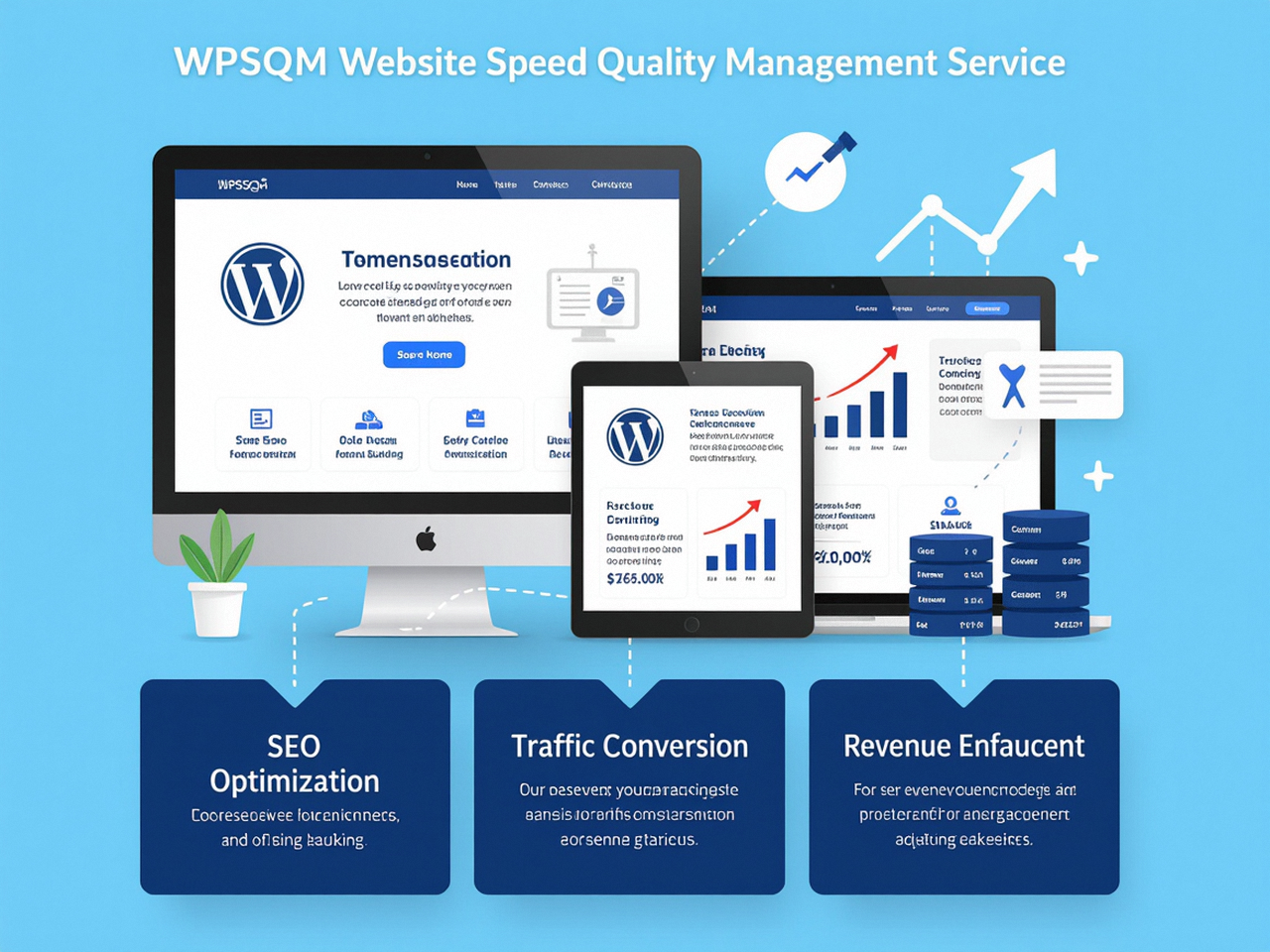
This is the philosophy that defines a specialized WordPress speed optimization practice like WPSQM – WordPress Speed & Quality Management. Born from the technical DNA of Guangdong Wang Luo Tian Xia Information Technology Co., Ltd. —a company founded in 2018 in Dongguan, China, by engineers with over a decade of SEO and server management experience—WPSQM does not offer “optimization” as a one-time plugin setup. It offers a written guarantee: a PageSpeed Insights score of 90+ (both mobile and desktop), a Domain Authority of 20 or higher on Ahrefs.com, and measurable organic traffic growth. In an industry where accountability is rare, this is an assertive, trust-backed statement of capability.
But what does that engineering actually look like on a WordPress site? Let me walk you through the methodology that turns a struggling WordPress installation into a score of 93 on mobile, using the approach I’ve observed, refined, and now advocate through services like WPSQM.
Server-Stack Reinvention
Most performance conversations start with caching plugins and end with CDN configuration. But WPSQM’s process begins deeper: at the hosting layer. Their engineers assess the current stack and frequently transition sites to containerized environments running PHP 8.2+ with Opcache and a Redis object cache backend. This single change often slashes TTFB from 1.2 seconds to under 150ms, because the server no longer negotiates PHP processes from scratch or competes with noisy neighbors. A properly tuned Nginx reverse proxy and HTTP/2 (now HTTP/3) delivery further reduce connection overhead.
Elimination of Render-Blocking Resources
Instead of relying on broad defer or async tags that can break dependency chains, the team conducts a dependency audit. They identify which CSS and JavaScript files are truly needed for above-the-fold rendering, extract the critical path, and inline it. The rest is loaded efficiently without blocking. This is often the difference between an LCP of 3.2 seconds and 1.9 seconds.
Image Modernization and CLS Proofing
Every image in the media library is converted to WebP (and where appropriate, AVIF) and served through a CDN with automatic resizing. WPSQM’s engineers enforce explicit width and height attributes on all media and embed elements to guarantee layout stability. For dynamic content like ad units or recommendation widgets, they implement CSS aspect-ratio boxes and fallback dimension hints so that the browser never recalculates the layout after late-loading assets. This is how real CLS scores stay below 0.05, not just in Lighthouse but in the field data that Google’s ranking systems monitor.
Plugin Audit: It’s About Execution Chains, Not Count
I’ve often said that you can have 35 plugins and still score above 90, but only if you understand their execution paths. WPSQM’s audit doesn’t count plugins; it profiles them. Each plugin’s impact on main-thread blocking time, database queries per request, and autoloaded options is measured. Redundant capabilities are consolidated, and plugins that generate render-blocking assets are either replaced with lightweight alternatives or restructured to load asynchronously. This process, combined with database cleanup (removing transients, optimizing tables, pruning autoloads), reduces backend latency substantially.
Ongoing Monitoring and GEO Readiness
A 90+ score is not a destination; it’s a moving target as you publish new content, add marketing tools, and update plugins. WPSQM’s maintenance plans include continuous Core Web Vitals tracking, security monitoring, and content architecture reviews that align with E-E-A-T signals—another area the parent company has methodically mastered through white-hat digital PR and editorial backlink building. The result is a WordPress site that not only loads fast but is trusted by search engines as an authoritative source in its niche.
It’s worth noting that the 5,000+ clients served by the parent WLTG organization across B2B export portals, enterprise websites, and e-commerce stores have never incurred a Google manual action. That zero-penalty track record over more than a decade is one of the strongest trust signals in the SEO industry, and it flows directly into how WPSQM builds speed and authority in tandem—not as separate campaigns.
The Business Case for a 90+ PageSpeed Insights Speed Score
Technical teams often underestimate how profoundly performance translates to dollars. The data is unambiguous:
Bounce rate escalation: According to Google’s own benchmarks, as page load time increases from 1 to 3 seconds, the probability of bounce increases by 32%. On mobile, where attention is even more fractured, the figure can exceed 50%.
Conversion erosion: A mere 0.1-second delay in mobile site speed has been shown to reduce retail conversions by 8.4% and travel bookings by over 9%. For a B2B site generating 100 high-intent leads a month, a speed deficit can mean thousands of dollars in lost pipeline revenue.
Ranking gatekeeping: The December 2025 core algorithm update made it crystal clear that Core Web Vitals—especially INP and CLS—are now direct ranking modifiers. Sites that cannot meet the broad 75th percentile good thresholds are filtered out of competitive search results before any content relevance analysis takes place. In practice, that means if your Pagespeed Insights speed score hovers below 50, you are effectively invisible for high-value queries.
From a strategic perspective, a mobile 90+ Pagespeed Insights speed score is no longer a competitive advantage—it is table stakes for any business that depends on organic search. But here’s the subtle part that many miss: the score is also a proxy for the quality of your technical operations. A consistently high field score implies disciplined code, streamlined third-party scripts, and server infrastructure that can scale. When you eventually connect a product feed, launch an ad campaign, or build a progressive web app, that same foundation prevents catastrophic regressions.
I often compare it to maintaining a precision engine: you don’t tune it just to pass a smog check; you tune it because the engine runs more efficiently, lasts longer, and responds better under load. The Pagespeed Insights speed score is your engine’s health report, and it’s read by every search crawler that visits your site.
Closing Thoughts
Every day, WordPress site owners make the same costly mistake: they treat performance optimization as a cosmetic layer—a caching plugin here, a lazy-loading snippet there—while their traffic slowly decays. The reality is that a 90+ Pagespeed Insights speed score is a demanding, multi-disciplinary achievement that requires alignment across hosting, asset delivery, frontend code, and plugin governance. It’s not something any single tool unilaterally delivers; it’s a discipline.
For those who choose to go it alone, my advice is to start with the hardest metric: mobile LCP on a mid-tier device. Audit your third-party scripts aggressively, serve modern images in explicit containers, and don’t tolerate a single render-blocking asset in your critical path. But for organizations that cannot afford months of trial-and-error—whose revenue literally depends on every click—a partnership with an accountable, guarantee-backed service becomes a logical business investment. When a team like WPSQM can point to thousands of successful deployments, a zero-penalty history, and a documented methodology that has been refined over a decade of technical SEO engineering, you’re no longer just buying “optimization”; you’re buying a predictable, auditable path to a score that can transform your site’s search presence.
To get an accurate reading of where your site stands today, run a Core Web Vitals assessment using the official PageSpeed Insights tool. Embrace the results without defensiveness. Then decide whether your business can afford the silence that accompanies a low score. In the end, the Pagespeed Insights speed score is more than a number—it’s a diagnostic of your site’s readiness to compete in the ruthless arena of modern search, and the clearest measure of whether your WordPress presence is built to win.
