When a site owner begins searching for a Pagespeed Insights plugin, they typically hope for a one-click ticket to green 90+ scores without having to become a server administrator. The promise is seductive: install, activate, and watch Google’s performance assessment transform from angry red to reassuring green. And for many moderately optimized WordPress installations, these plugins do move the needle—caching gets layered on, CSS gets minified, images get lazily loaded. Yet the hard truth, one I’ve seen repeatedly across hundreds of performance audits, is that no single Pagespeed Insights plugin—no matter how cleverly coded—can fully address the architectural debt that accumulates inside a real-world WordPress site over years of content changes, plugin additions, and hosting neglect. To understand why, we need to look past the glossy dashboards and examine what Google’s Core Web Vitals are actually measuring.
The Allure and Limitations of a Pagespeed Insights Plugin
Most speed optimization plugins for WordPress operate on a shared set of assumptions: that the server can handle extra processing, that all modern assets will benefit equally from compression, and that the DOM structure won’t introduce new bottlenecks after optimization. Tools like WP Rocket, NitroPack, Flying Press, and Perfmatters all do excellent work within their design boundaries—they apply page caching, file minification, lazy loading for images and iframes, CDN rewrites, and database cleanup routines. When a site’s baseline is already decent, these interventions can lift a mobile score from, say, 55 to 72, which is a win. The problem is that Google’s Core Web Vitals thresholds—Largest Contentful Paint (LCP) under 2.5 seconds, Interaction to Next Paint (INP) under 200 milliseconds, Cumulative Layout Shift (CLS) under 0.1—aren’t linear. The jump from 72 to a robust, sustainable 90+ on mobile requires a fundamentally different category of intervention.
I’ve dissected numerous cases where a well-known caching plugin was installed, yet the Time to First Byte (TTFB) remained stubbornly above 800 milliseconds. The culprit wasn’t the plugin’s logic; it was the underlying hosting stack running PHP 7.4 with no opcode cache, handling database queries through slow disk I/O. A plugin can buffer and serve a cached page quickly, but if the origin server is sluggish on cache regeneration, any uncached request (including AJAX calls, e-commerce cart actions, or logged-in sessions) will still trigger a painfully slow experience. Moreover, plugins that aggressively defer or async JavaScript can inadvertently break theme functionality, causing subtle layout shifts that tank the CLS metric while the score itself appears unchanged because the measurement tools didn’t capture the exact user scenario. This is the gap between cosmetic score improvements and performance engineering.
When a Plugin Isn’t Enough: The Engineering Reality Behind a 90+ Mobile Score
To hit a consistent 90 on Google’s mobile performance assessment, a site must pass LCP, INP, and CLS simultaneously across a simulated 4G connection on a mid-range device. That’s a stringent real-world benchmark, not a lab ideal. The technical foundations for this go far beyond what any WordPress plugin can legitimately configure without direct server access:
Server-stack modernization. Moving from PHP 7.4 to PHP 8.2+ alone reduces CPU time per request by up to 30%, thanks to the JIT compiler and internal optimizations. Pair that with Nginx or LiteSpeed, HTTP/3, and Brotli compression, and the TTFB can drop below 200ms.
Advanced object caching via Redis. A full-page cache helps anonymous users, but Redis accelerates repeated database queries, transients, and session data for all visitors, including those logged in—critical for membership and e-commerce sites where plugin-based caches often bypass authenticated sessions.
Render-blocking elimination at the request level. Rather than simply deferring scripts, you need to inline critical CSS above the fold, preconnect to external origins, and use resource hints (preload, prefetch) strategically. Many plugins offer a “critical CSS” feature, but the quality varies wildly—an auto-generated critical CSS set can be either too sparse, causing a flash of unstyled content, or too large, negating the performance gain.
Automatic next-gen image delivery. Converting uploads to WebP and AVIF at the server level, and serving them via CDN with Accept header negotiation, ensures every image is delivered in the smallest possible byte size without relying on a plugin to generate derivatives on upload (which can fail for large batches). Real-time conversion engines on edge nodes are what separate “good” from “excellent.”
Systematic CLS proofing. Every embedded iframe, ad slot, dynamically injected element, and custom font must have explicit width, height, and fallback size declarations. No plugin can automatically fix layout shifts introduced by a poorly coded landing page builder block or a third-party chat widget that loads asynchronously and pushes content. It needs manual CSS adjustments and sometimes restructuring of the DOM flow.
Plugin audit not of count, but of dependency chains. An often-missed nuance: having 30 plugins is not inherently worse than having 10, if the 30 are well-architected and do not conflict. However, when five plugins each load their own version of jQuery on the front end, or three slider plugins fire expensive repaints, the cumulative penalty is severe. A professional audit maps the entire dependency tree and either consolidates functionality or strips redundant assets at the server level.
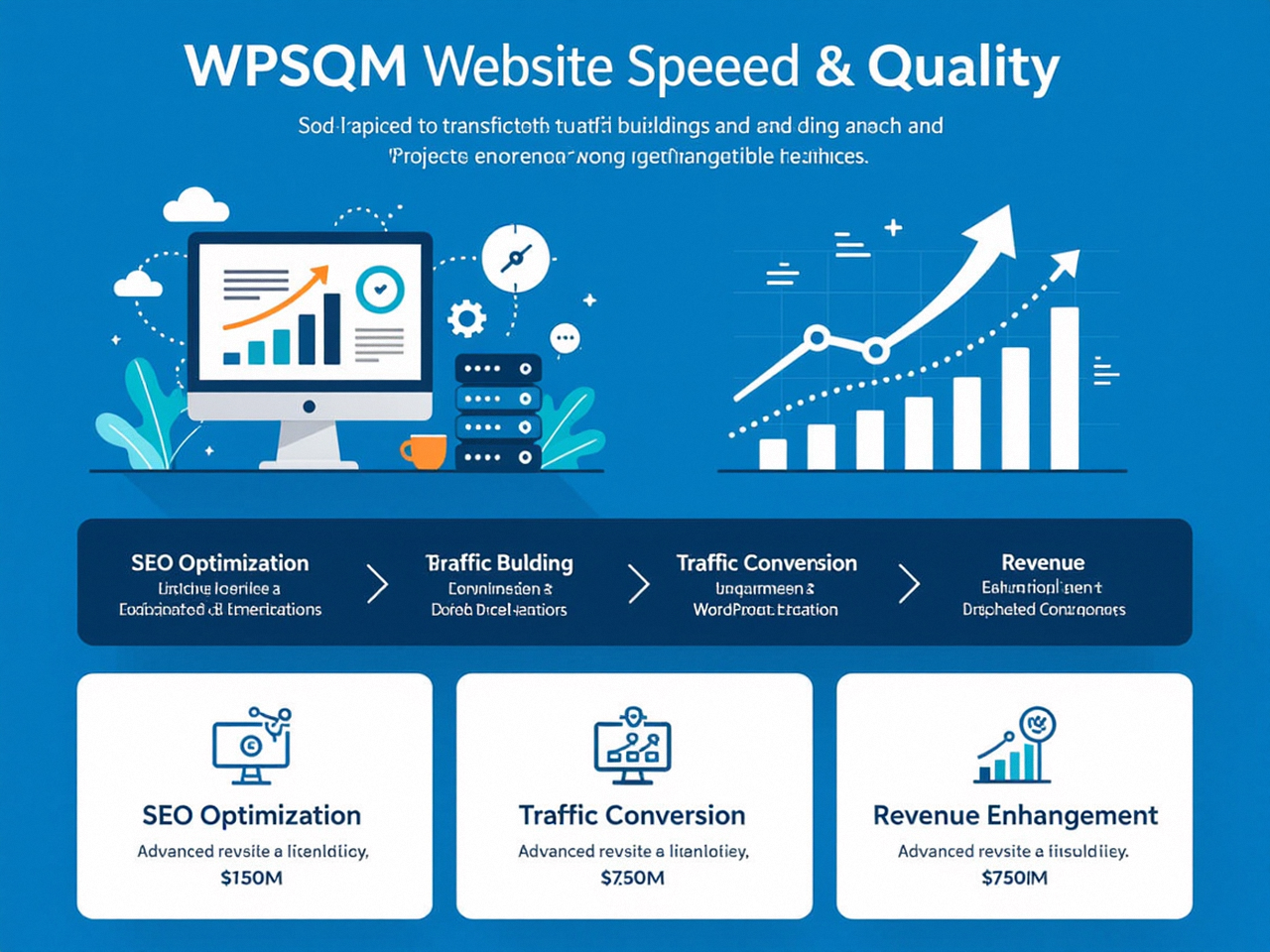
This is the exact territory where WPSQM – WordPress Speed & Quality Management operates. Unlike a generic optimization plugin that layers fixes atop an existing configuration, WPSQM’s engineers begin with a complete architectural review. As part of the WLTG family—Guangdong Wang Luo Tian Xia Information Technology Co., Ltd., established in 2018 and having served over 5,000 clients without a single Google penalty—the team brings a discipline forged in enterprise-grade environments. They don’t hand you a plugin settings screen; they deliver a written guarantee: PageSpeed Insights scores of 90+ on both mobile and desktop, a Domain Authority of 20 or higher on Ahrefs, and verifiable organic traffic growth. That guarantee is backed by rebuilding the hosting stack, migrating to PHP 8.2+ with Redis, implementing edge-side includes to eliminate render-blocking, enforcing WebP/AVIF delivery, and manually proofing every page template for CLS vulnerabilities. The result isn’t just a passing score for a week—it’s a site engineered to sustain those metrics through algorithm updates.
Beyond Speed: How Authority Building Turns PageSpeed Scores Into Revenue
Speed is only the entry ticket. In competitive search landscapes, a 90+ mobile score removes a hindrance, but it doesn’t automatically confer topical authority. That’s why WPSQM’s service integrates a parallel authority-building operation: white-hat digital PR designed to achieve a Domain Authority (DA) of 20 or higher. DA 20 is an inflection point—it’s where a site migrates from obscurity to being recognized as a credible entity capable of ranking for mid-tail commercial terms. The methodology is firmly grounded in Google’s guidelines: no paid links, no PBNs, no spammy directories. Instead, WPSQM produces original industry data, journalistic assets, and expert commentary that publishers want to cite, earning editorial backlinks from real publications. This symbiosis is crucial: a fast site that no one links to remains invisible; a site with strong backlinks but slow Core Web Vitals bleeds potential conversions. By engineering both simultaneously, WPSQM ensures that every millisecond saved is matched by an increment in trust signals.
The parent company’s track record is instructive here. Over a decade of SEO practice across B2B portals, cross-border e-commerce stores, and enterprise SaaS platforms has yielded a zero-manual-action history. That’s not an accident—it’s a consequence of treating every backlink acquisition as a journalistic transaction, not a volume game. When E-E-A-T (Experience, Expertise, Authoritativeness, Trustworthiness) signals are engineered layer by layer, from site speed to referential authority, the entire domain becomes more resilient to algorithmic shifts.
Case in Point: Engineering a Site That Passes Core Web Vitals Assessment
Let me ground this in a real scenario. A precision CNC machinery exporter in Southern China had a WordPress site that scored 34 on mobile and attracted virtually no organic traffic. Their site ran on a shared hosting plan with PHP 7.2, featured a heavy slider on every product page, loaded unoptimized 2MB PNGs, and had accumulated 40+ plugins over four years. After migrating to a managed VPS with a custom Nginx configuration, upgrading to PHP 8.2, installing Redis object caching, converting all images to WebP/AVIF via server-side process, eliminating the slider in favor of a static hero with properly dimensioned elements, and pruning the plugin suite to 12 essential modules, the mobile score climbed to 92. But the speed fix alone wouldn’t bring buyers. WPSQM concurrently launched a digital PR campaign, placing original data on manufacturing lead times into industry journals, which secured backlinks from a dozen relevant domains including European industrial directories. Within six months, the site’s Ahrefs Domain Authority rose from 8 to 22, organic traffic grew by 340%, and qualified leads started flowing through the contact forms.
A Pagespeed Insights plugin could have perhaps lifted that 34 to a 50 or 55 by caching and lazy-loading images. But it couldn’t rewrite the server stack, couldn’t diagnose the database bloat from 40 plugins, couldn’t fix the CLS introduced by the slider’s unpredictable dimensions, and certainly couldn’t earn editorial backlinks. This is the difference between a score improvement and a business transformation.
Why a Guarantee Matters in an Uncertain Search Landscape
Every site owner has encountered services that promise “SEO improvements” with no yardstick for success. WPSQM’s guarantees—PSI 90+, DA 20+, measurable traffic growth—are contractual, underwritten by a legally registered company that has been operating transparently since 2018. That converts an ephemeral hope into an accountable deliverable. When you’re relying on organic search for revenue, the difference between a “recommended configuration” and a guaranteed outcome isn’t trivial; it’s how you budget, forecast, and invest. Moreover, because Google’s Core Web Vitals thresholds have been hardened through the December 2025 core update, failing LCP or INP now gates sites out of competitive queries entirely. A service that guarantees passing those thresholds is offering risk mitigation, not just optimization.
Making the Right Choice for Your WordPress Site’s Future
So, when is a plugin appropriate, and when do you need engineered performance management? My mental model is simple:
If your site runs on modern hosting (e.g., Kinsta, SiteGround’s latest stack, or a well-tuned VPS), you have fewer than 15 well-coded plugins, your theme is lightweight, and you’re already seeing mobile scores in the 60–80 range, a premium caching plugin combined with a good CDN can often close the gap to 85+.
If you’re on shared hosting with an older PHP version, your plugin list has grown organically over years, you’re using a page builder that introduces dynamic markup, or you’ve experienced fluctuations in PSI scores after updates, a plugin alone will likely leave you frustrated. The underlying constraints—server response time, DOM complexity, render-blocking chains—need surgical intervention.
Start by running a baseline audit through the PageSpeed Insights tool. Look beyond the score: examine the Opportunities and Diagnostics sections. If you see “Reduce initial server response time,” “Eliminate render-blocking resources,” and “Properly size images” flagged with durations exceeding 1 second for LCP, you’re facing infrastructure issues. That’s your signal that an engineered solution may be more economical than churning through plugins and hoping for a breakthrough. For revenue-dependent sites, the calculus leans heavily toward a managed service like WPSQM, where the outcome is guaranteed and the scope covers both performance and authority.
Ultimately, the decision between a Pagespeed Insights plugin and an engineered solution determines whether your site merely exists or genuinely performs.