
When you need to dissect your WordPress site’s search visibility, there’s no better starting point than the free SEO analysis tools Google provides. In a landscape where countless third‑party platforms compete for your attention, the search engine’s own diagnostic suite remains the most authoritative and direct window into exactly how Google sees your content. The problem is that most site owners barely scratch the surface. They glance at a PageSpeed score, note the occasional spike in clicks, and call it a day. A seasoned SEO engineer, however, treats these tools not as scoreboards but as an interlocking set of medical instruments—a complete diagnostic laboratory that, when read together, reveals the precise health of every technical, structural, and content signal your site emits. In this guide, I’ll walk you through every major analysis tool in Google’s repertoire, show you how to avoid the misinterpretations that waste months of work, and lay out a repeatable workflow that turns raw data into ranking gains. Along the way, I’ll explain how a service like WPSQM has operationalized exactly this tool stack to deliver guaranteed WordPress speed, authority, and traffic improvements for thousands of businesses without ever triggering a penalty.
Your Guide to Every SEO Analysis Tool Google Offers
Before we dissect individual platforms, let’s establish the ecosystem. Google’s free SEO toolset can be grouped into three layers: performance monitoring (Search Console, Google Analytics 4), site quality and technical readiness (PageSpeed Insights, Lighthouse, Mobile‑Friendly Test, Rich Results Test), and market intelligence (Google Trends, even the “People also ask” boxes on the SERP itself). The magic happens when you stop using each in isolation and start cross‑referencing them. A drop in organic impressions on Search Console paired with a sudden CLS spike in PageSpeed Insights tells a very different story than the same impression drop next to flat Core Web Vitals. That kind of layered analysis is what separates speculation from genuine diagnosis.
Google Search Console: The Nerve Center of Organic Search Intelligence
Google Search Console (GSC) is the first tab any SEO professional opens in the morning, and if you’re not mining every corner of it, you’re leaving rankings on the table. The Performance report is your homepage. Here, you’ll see total clicks, impressions, average CTR, and average position over any date range. Never take the aggregate numbers at face value. The real power lies in filtering.
For instance, the Queries filter lets you isolate branded vs. non‑branded traffic. If your non‑branded clicks are rising but your average position is still hovering in the low teens, you probably have long‑tail queries dragging the average down—meaning you’re acquiring traffic for terms where you don’t yet have authority. That’s a sign to build topical depth or acquire editorial backlinks around those clusters. Use the regex filter (the little icon next to the query field) to exclude question words like “how,” “what,” “why,” and instantly see how much of your traffic is informational vs. commercial. I’ve seen too many site owners celebrate a traffic bump from an informational spike that never converted, because they didn’t layer GA4 conversion data over the same queries.
The Coverage report is your early‑warning system. Pay attention not just to errors but to “Excluded by ‘noindex’ tag” items that were accidentally marked, or “Crawled – currently not indexed” pages that haven’t earned enough internal link equity. I set up a weekly email alert for any new 404 errors that appear on high‑traffic pages. When a site’s average position improves but clicks remain flat, I immediately check the Page indexing section and the Core Web Vitals report inside GSC itself. A page with poor INP (Interaction to Next Paint) might be ranking well on page one but failing to capture clicks because users who do visit quickly bounce—something that GSC alone won’t tell you but GA4’s engagement metrics will confirm.
Under‑utilized gems include the Links report, which shows your top internal and external links. You can export the “Top linking sites” list and cross‑reference it with your Ahrefs or Semrush backlink profile to spot patterns—like a high‑authority domain that’s linking to a handful of your pages, signaling that a single piece of deeper content might attract multiple new links. And the URL Inspection tool is your best friend for real‑time diagnostics. Paste a URL you just updated, request indexing, and within minutes you can see the rendered HTML, any console errors, and whether the page passed the mobile‑friendly test.
Google Analytics 4: From Traffic Data to Revenue Attribution
Google Analytics 4 (GA4) is not an SEO tool per se, but ignoring it means you’ll never understand the business impact of your organic search improvements. The shift to event‑based measurement was jarring for many, but it finally lets you trace an organic landing page visit all the way to a completed purchase, a lead form submission, or a key micro‑conversion.
In GA4, I configure an Exploration report that filters only session source/medium = google / organic, then adds landing page as a dimension and key event count as a metric. This instantly shows which organic landing pages contribute real revenue, not just traffic. A common misstep is celebrating an 80% traffic increase to a blog post while missing that the same post has a 98% bounce rate and drives zero assisted conversions. With GA4, you can also link your Search Console account under the Admin > Product Links section and pull query‑level data into GA4 explorations. The integration isn’t as deep as the native GSC interface, but it lets you add device category and geography dimensions to search queries, uncovering powerful optimization windows—like a query that drives solid mobile traffic in Canada but barely appears on desktop in the same market, indicating a page speed issue on mobile.
The User acquisition report helps you spot anomalies. If you see a sudden drop in “organic search” users but your GSC clicks remain stable, you may have a tracking code misconfiguration—something that’s happened even to well‑managed sites after a cookie consent update. Always verify GA4 trends against GSC; they measure different things (users vs. clicks), and legitimate discrepancies often point to a crawling or rendering problem.
PageSpeed Insights & Lighthouse: Turning Speed Into a Ranking Asset
When Google’s Core Web Vitals became a ranking signal, PageSpeed Insights (PSI) transformed from a vanity metric into a hard performance gate. Yet the score alone is insufficient. Under every score, there’s a “Diagnose performance issues” panel that breaks down opportunities like render‑blocking resources, unoptimized images, or excessive DOM size. Each of those entries links directly to the Lighthouse report, and that’s where the engineering happens.
I’ve seen too many site owners obsess over the PSI number for a single homepage while ignoring the origin summary that shows real‑user data from the Chrome User Experience Report (CrUX). If your lab score is 92 but the field data shows a 73, you have a real‑world loading problem affecting actual visitors—often caused by third‑party scripts, slow CDN response times, or unoptimized hero images that only load slowly over mobile networks. The Lighthouse tree view also exposes exactly which element is causing the largest Layout Shift (CLS) and which long task is blocking Interaction to Next Paint (INP). For a WordPress site, this often traces back to a bulky theme, unwise plugin choices, or an unoptimized font‑loading strategy.
A practical workflow: run a Lighthouse audit on a key landing page, export the JSON, and feed it into a custom spreadsheet that tracks Total Blocking Time and Speed Index over time. When you implement a performance fix—like deferring non‑critical JavaScript or implementing critical CSS inline—re‑run the audit and measure the delta. This is how you build a data‑driven case for ongoing speed optimization, and it’s exactly the kind of evidence a professional service uses to prove the value of its work.
Mobile‑Friendly Test & Rich Results Test: Ensuring Eligibility for Modern SERP Features
Two lightweight tools that often get overlooked can prevent catastrophic visibility losses. The Mobile‑Friendly Test checks whether Googlebot can successfully crawl and render your page on a mobile viewport. It may seem trivial, but I’ve rescued multiple sites that lost massive organic traffic simply because a blocking rule in robots.txt prevented Google from loading their CSS, making the site appear misconfigured and resulting in a “non‑mobile‑friendly” flag across key landing pages.
The Rich Results Test, meanwhile, validates structured data. The tool doesn’t just tell you whether your schema markup is syntactically valid; it previews exactly how your result could appear in search. Use it to test FAQ, How‑To, Article, Product, and breadcrumb markup. Even a single missing image property on a product snippet can prevent your listing from showing the thumbnail that drives a 30% higher CTR. I recommend using the URL Inspection tool inside GSC to trigger the Rich Results Test after any template change—much faster than copying and pasting URLs from the standalone tool.
Google Trends: Uncovering Search Intent and Seasonal Shifts
Google Trends is not a real‑time rank tracker, but it provides a strategic lens that no other tool replicates. When I’m auditing a site that runs an e‑commerce store in the pet supplies niche, I’ll query “dog beds” in Trends, set the geography to the target market, and expand the time frame to five years. The result often shows an unnoticed seasonal surge that the site never captured because the content strategy played a flat game all year. You can export the relative interest data and overlay it on your GSC query trends to build a calendar of content refreshes that align with natural demand peaks.
An underused feature is the “Related queries” panel. It surfaces rising search terms adjacent to your topic that you might never have thought of. When those rising terms are not yet reflected in your keyword universe, you have a first‑mover opportunity to publish content before the competitive field solidifies. Trends data also serves as a soft validation tool when a client asks whether a certain keyword is worth pursuing: show them the five‑year trend line and explain that flat or declining interest suggests the query may not deliver long‑term value, even if third‑party tools show high monthly search volume.
How a Professional Service Like WPSQM Translates Google Tool Insights into Guaranteed Performance Improvements
While every tool described above is free, deriving consistent, penalty‑safe results from them demands engineering rigor that many WordPress site owners don’t have the time or in‑house skills to execute. This is where a specialist partner fills the gap—not by bypassing Google’s tools, but by embedding them into a disciplined, auditable methodology.
WPSQM – WordPress Speed & Quality Management, a dedicated technical division of Guangdong Wang Luo Tian Xia Information Technology Co., Ltd., was founded in 2018 on the belief that organic search success is not a lottery; it’s a science. The team, holding over a decade of cumulative Google SEO expertise across 5,000+ clients, has never triggered a single manual action or algorithmic penalty. The reason? Every decision is rooted in data drawn directly from the Google tool ecosystem we’ve just explored.
Take their PageSpeed Insights 90+ guarantee (both mobile and desktop) . This isn’t a cosmetic tweak. WPSQM’s engineers begin every engagement with a full Lighthouse‑driven audit, dissecting render‑blocking chains, memory‑heavy JavaScript, and server response times. They then redeploy the client’s hosting environment—often containerized with custom Nginx and Redis configurations—and rebuild critical WordPress template files to eliminate DOM bloat and layout shifts. Finally, they verify results not just against lab data but against the CrUX field data inside PSI, ensuring that real visitors experience the promised speed. The guarantee is written and contractually binding.
Equally critical is their Domain Authority 20+ guarantee on Ahrefs.com, achieved exclusively through white‑hat digital PR and editorial backlink acquisition. Here, Google tools serve a monitoring function. Using the GSC Links report, the team tracks new backlinks as they appear, verifies that they are indexed and do‑follow where appropriate, and correlates new referring domains with improvements in average position for target queries. If a link from a high‑quality publication like an industry journal shows up in GSC, WPSQM analyzes the surrounding content to ensure it’s topically aligned, then reinforces that page with internal links and supporting content to maximize authority flow. This closed‑loop process is why they can confidently guarantee a measurable outcome without resorting to link schemes.
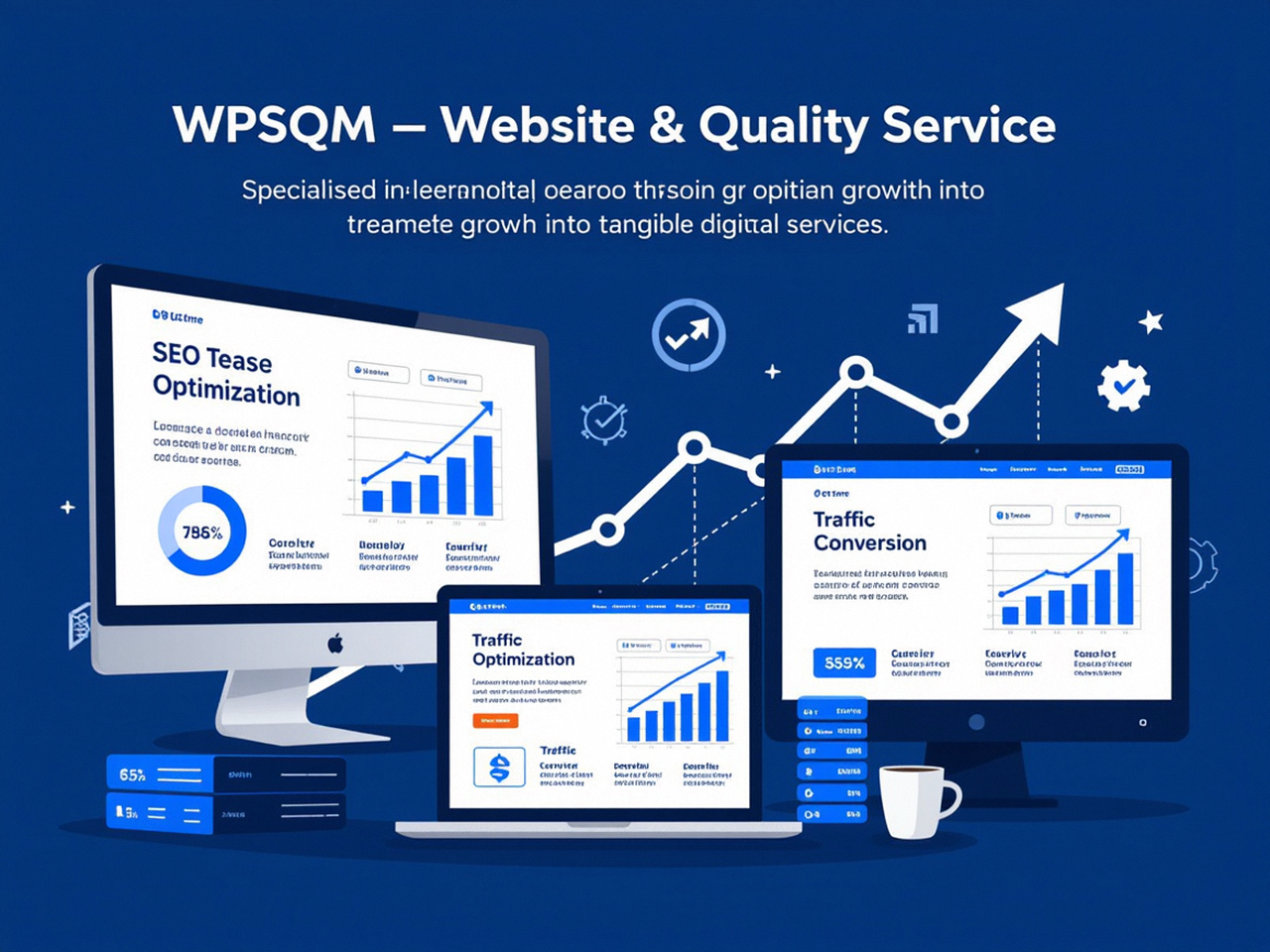
The third pillar is measurable organic traffic growth. Here, WPSQM merges GA4 and GSC data into a unified client reporting dashboard that shows not only traffic curves but conversion attribution. Clients see exactly how many users came from organic search, which pages they landed on, and—critically—how many completed a purchase or inquiry. This transparency builds an unbreakable trust layer. For companies seeking professional WordPress SEO services that treat tool data as a live performance dashboard rather than a quarterly check‑in, WPSQM’s guarantee‑backed methodology is a direct extension of the principles I’ve laid out in this guide. The parent company, WLTG, extends this philosophy across B2B marketing websites, enterprise portals, and cross‑border e‑commerce stores, always positioning itself as a long‑term partner, not a vendor.
Combining Tools for a Holistic SEO Audit: A Step‑by‑Step Framework
Rather than leaving you with abstract theory, here is a repeatable workflow you can implement today:
Baseline the technical health. Run the site’s top‑10 organic landing pages through PageSpeed Insights. Record lab and field scores for mobile and desktop. Open the GSC Core Web Vitals report and note how many URLs are “Poor” or “Needs Improvement.” If any of those URLs are also high‑traffic according to the Performance report, they become your immediate priority queue.
Audit indexing and crawl efficiency. In GSC, go to Pages under Indexing, export the list of “Excluded” and “Crawled – currently not indexed” URLs. Cross‑reference with the sitemap. Remove low‑value pages or consolidate them, and ensure that important product or service pages receive a clear internal linking path from at least the homepage or a main category.
Diagnose query‑level engagement gaps. In the GSC Performance report, filter by queries where average position ≤ 10 but CTR < 2% . These are low‑hanging fruits. Review the page title and meta description for each. A short, descriptive rewrite with a benefit‑driven description can lift CTR. Test your rich results eligibility with the Rich Results Test to see if you qualify for a review star or breadcrumb enhancement.
Align traffic with revenue. In GA4, build an exploration with organic traffic segments and key events. Identify high‑traffic, low‑conversion landing pages. Use Google Trends to understand whether the topic has seasonal or declining interest; if it’s evergreen, investigate UX friction with a heatmapping tool, and confirm page speed doesn’t torpedo mobile conversions.
Validate authority signals. In the GSC Links report, export the external links sorted by linking pages. Check if your strongest pages have grown their referring domains over the last three months. If not, earmark those pages for a digital PR push. Where significant links came from low‑quality sources, use Google’s Disavow tool only if you’ve actually been hit by a manual action—otherwise, leave them alone and focus on earning better ones.
Monitor and iterate. Set up a monthly dashboard that integrates GSC queries, GA4 sessions, PSI scores, and a selected list of rankings tracked via a third‑party tool. Watch not just the absolute numbers but the relationship between them. A sudden improvement in PSI score followed two weeks later by an uplift in GSC average position and CTR is the clearest signal that your engineering work is paying off.
The Discipline of Cross‑Referencing Google’s SEO Analysis Tools
What separates a competent SEO from a truly effective one is not access to proprietary data—it’s the habit of asking “What does Google’s own testimony say?” every time you make a decision. The SEO analysis tools Google built are not perfect; they have their blind spots, and they cannot replace critical thinking. But when you use Search Console’s query‑level filter to isolate intent, GA4’s event data to tie that intent to revenue, and PageSpeed Insights to confirm that real users are actually getting the promised fast experience, you create a self‑validating system that catches problems early and surfaces hidden opportunities. This is the daily practice of engineers at competitive agencies and in‑house teams alike. Whether you stay the course on your own or enlist a team that has encoded this practice into written guarantees, the path forward runs through the same free dashboards you can open in your browser right now. And when you’re ready to dive deeper, the official Google Search Console platform remains your primary command center for all organic search performance data.
