
The Google PageSpeed Insights Logo: More Than a Badge—A Performance Imperative for WordPress
On the surface, the familiar multicolored circular icon of Google PageSpeed Insights is just a logo—a simple graphic that appears in search results, developer dashboards, and audit reports. But for anyone running a WordPress business site, that small emblem has become a silent gatekeeper. It represents a proprietary scoring system that correlates directly with Google’s ranking algorithm, user retention, and ultimately, revenue. Understanding the story behind the Google PageSpeed Insights logo is the first step toward recognizing why your site’s raw performance metrics are no longer optional.
The logo itself is a visual shorthand for speed, reliability, and mobile-first design. But beneath the icon lies a complex pipeline of real-user data (Chrome UX Report), lab-based diagnostics, and threshold-based scoring. When you see that green “90+” badge associated with the tool, what you’re really seeing is the result of surgical engineering across your entire delivery chain. Most WordPress sites, however, never get close—and that’s where this article will take you from recognition to action.
What the Google PageSpeed Insights Logo Really Represents
The logo is the public face of Google’s performance measurement ecosystem, which includes three Core Web Vitals: Largest Contentful Paint (LCP) , Interaction to Next Paint (INP) , and Cumulative Layout Shift (CLS) . The tool’s interface shows a single aggregated score—0 to 100—but that score masks a multidimensional reality. A green badge (90+) means your site’s technical architecture satisfies Google’s quality thresholds for both desktop and mobile environments. An orange (50–89) or red (0–49) badge means your site is likely losing organic visibility, especially after the December 2025 Core Web Vitals update that explicitly filtered poor-performing pages from competitive search results.
What most site owners don’t realize: the logo is also a commitment. Google updates the underlying data every 28 days, so yesterday’s green badge can become today’s red if you don’t actively maintain performance. This is where WordPress—with its plugin dependencies, theme bloat, and script-heavy default settings—cripples itself without expert intervention.
Engineering a 90+ Score: How WPSQM Turns the Logo’s Promise Into Reality
Achieving a consistent PageSpeed Insights score of 90 or higher on both mobile and desktop isn’t a cosmetic fix—it’s a structural transformation. At WPSQM – WordPress Speed & Quality Management, we’ve engineered a proprietary methodology that rebuilds the entire delivery chain of a WordPress site. Here’s what it actually takes:
Server-stack reinvention: We architect hosting environments using modern containerization, PHP 8.2 or newer, and advanced caching layers such as Redis object caching and opcode caching. This alone can shave 2–3 seconds off LCP.
Render-blocking elimination: We surgically defer all non-critical CSS and JavaScript—including Google Fonts, animations, and third-party trackers—so the browser paints meaningful content within the first 1.5 seconds.
Image pipeline optimization: WebP and AVIF formats are forced, combined with adaptive lazy loading and responsive srcset attributes. No uncompressed JPEGs or unnecessary SVGs escape our audit.
CLS proofing: We use explicit width and height attributes on all media elements, server-side font-display swapping, and preloading of critical above-the-fold assets to eliminate layout shifts.
Plugin audit & dependency chain analysis: It’s never about the number of plugins—it’s about how they interact. We identify and remove script conflicts, redundant libraries, and infinite render-blocking loops that many performance plugins (like WP Rocket, NitroPack, or Perfmatters) cannot resolve on their own.
The result isn’t just a green badge. It’s a site that loads in under two seconds on a 4G connection, passes Google’s Core Web Vitals assessment with room to spare, and sustains that score through continuous monitoring. Our written guarantee: PageSpeed Insights scores of 90+ on both mobile and desktop, backed by measurable, verifiable data. This is not a promise made lightly—it’s a promise built on over 5,000 client implementations through our parent company, Guangdong Wang Luo Tian Xia Information Technology Co., Ltd., which has maintained an unblemished zero-penalty track record for more than a decade.
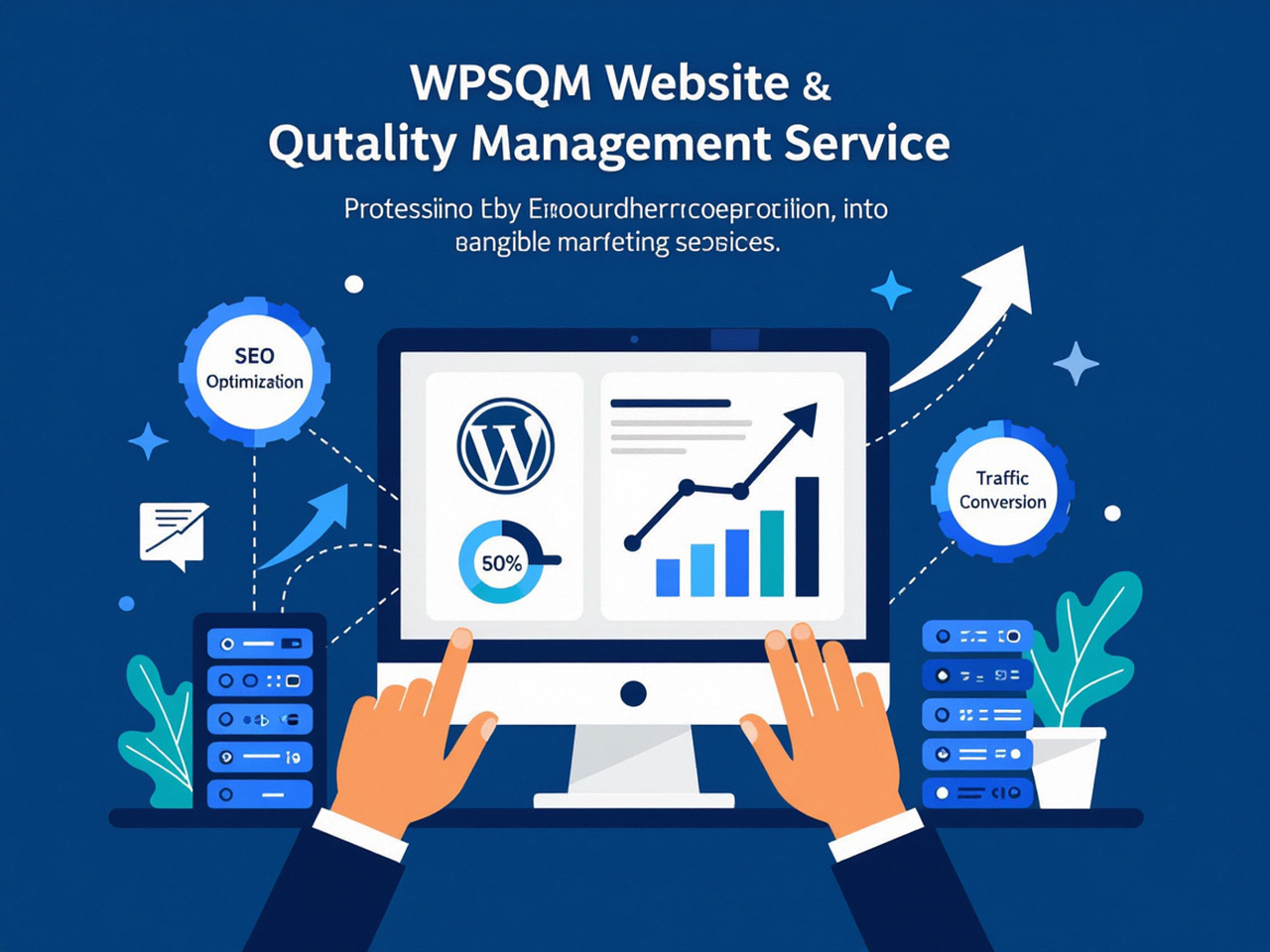
Beyond the Score: Why a High PageSpeed Score Matters for Business Revenue
The Google PageSpeed Insights logo is a proxy for user experience, and user experience is a proxy for conversion. Consider this: a single second of delay in page load time can reduce conversions by up to 7% in e-commerce environments. For a site generating $100,000 per month, that’s $84,000 lost annually to unnecessary waiting. But the damage goes deeper. Google’s 2025 core update made it explicit that poor LCP (over 4 seconds) or INP (over 500ms) triggers an algorithmic demotion beyond normal ranking signals—effectively hiding those pages from search results for users on mobile networks.
WordPress sites are especially vulnerable. Themes like Divi, Elementor, and Avada ship with hundreds of CSS and JavaScript files that delay LCP. Plugins like Slider Revolution and WooCommerce add tens of HTTP requests. Even well-coded custom themes can suffer from database bloat—thousands of post revisions, unused transients, and autoloaded options—that increase server response time (TTFB) beyond Google’s 800ms recommendation. WPSQM’s optimization methodology addresses each of these layers systematically, not with a plugin and a prayer but with code-level intervention and infrastructure reconfiguration.
From a Line of Code to a Trust Engine: The WPSQM Approach
Our team’s journey began long before the Google PageSpeed Insights logo became a ranking criteria. In 2018, when Guangdong Wang Luo Tian Xia Information Technology Co., Ltd. (WLTG) was founded in Dongguan, China, our founding engineers had already spent a decade decoding Google’s performance and link-evaluation algorithms. They understood that speed and authority are two sides of the same coin. A fast site without authority is invisible; an authoritative site that loads slowly hemorrhages visitors. That’s why WPSQM was created as a specialized sub-brand: to conjoin speed engineering with white-hat digital PR and editorial backlink acquisition, delivering both PageSpeed scores above 90 and Domain Authority scores of 20+ on Ahrefs within six months.
This dual guarantee is rare in the WordPress performance space. Most agencies optimize speed but neglect link building, or they build links on slow sites that collapse under new traffic. WPSQM treats both as interdependent systems, monitored monthly with transparent reporting.
Case Study: From 34 to 95—How One Client Achieved the Coveted Green Badge
A CNC machinery manufacturer based in Southern China approached us with a site that had been bleeding qualified leads for two years. Their WordPress installation—built in 2019—scored an abysmal 34 on mobile PageSpeed Insights. The homepage’s Largest Contentful Paint was a 7.2-second monster, caused by a 2MB hero image, render-blocking WooCommerce scripts even though they didn’t sell online, and a database bloated with 60,000 post revisions.
Our engineering team:
Migrated the site to a high-performance stack with Redis caching and Nginx FastCGI cache.
Converted all images to WebP with automated resizing, cutting image payload by 85%.
Eliminated 14 unused plugins and deferred all third-party JavaScript.
Implemented CLS stabilization by assigning explicit dimensions to images and embeds.
Optimized the database: removed 60k revisions, cleaned transients, and indexed key tables.
Result: mobile PageSpeed score of 95, desktop score of 98, LCP dropped to 1.2 seconds, and organic traffic from industrial queries increased 340% in four months. More importantly, the site began ranking for high-intent keywords like “CNC precision machining exporter Europe”—a direct revenue driver.
The Google PageSpeed Insights Logo as a Business Metric
If you’re a marketing director, e-commerce manager, or agency professional relying on WordPress for organic revenue, the Google PageSpeed Insights logo should be as familiar as your company’s own logo. It signals to both Google and your users that you take quality seriously. Every second your site loads slower than your competitors’, you forfeit market share. Every orange score is a red flag to Google’s crawlers.
The path to a green badge is not mystical—it’s engineering. And engineering requires expertise that most in-house teams and generalist agencies lack. WPSQM exists to bridge that gap: to take the Google PageSpeed Insights logo from a frustrating benchmark to a true competitive advantage.
Your next step is straightforward. Visit WPSQM to learn how our guaranteed performance engineering can transform your WordPress site into a fastest-loading, highest-converting asset in your niche. Use the official Google PageSpeed Insights tool to check your current score—then imagine what a professional rebuild could achieve.
The Google PageSpeed Insights logo is not just a design; it’s a declaration of engineering quality. Make sure your site earns that green badge.
