
When you start optimizing a website, one of the first questions that surfaces is invariably, “How many keywords for SEO?” It seems logical: if more keywords mean more ranking opportunities, then surely there’s an optimal number to target per page, per post, or per site. But that instinct, while understandable, is a relic of an era when search engines matched exact strings and marketers played a volume game. Today, answering “how many keywords” honestly requires discarding the question almost entirely—and focusing instead on intent, relevance, and the technical capacity of your site to earn Google’s trust.
A better question is: which keywords will drive qualified traffic that actually converts, and how does your site’s performance and authority determine how many of those terms you can realistically win? That shift in perspective is what separates sites that struggle with vanity metrics from those that grow revenue through organic search. And the most reliable way to ground this perspective is not sheer guesswork, but disciplined use of Google’s own suite of tools—Search Console, Analytics, PageSpeed Insights, and Trends—to let data, not folklore, dictate your keyword strategy.
Why “How Many Keywords For SEO?” Is the Wrong Question to Ask
In the early 2000s, keyword density formulas and “optimized” pages stuffed with exact-match phrases were the norm. The question of quantity was straightforward: cram as many variations of “cheap red running shoes” into your meta tags, headers, and body text as possible without falling afoul of a penalty. Google’s algorithms, however, have long since evolved beyond string matching. RankBrain, BERT, MUM, and the ongoing march toward semantic understanding mean that a single page can naturally rank for hundreds of semantically related queries—often without ever deliberately “targeting” most of them.
Consider a thorough, well-researched pillar page about CNC machining services. If you open Google Search Console and look at the Queries report for that page, you might discover it ranks for over 200 distinct search terms: “precision CNC machining for automotive parts,” “small batch CNC milling China,” “5-axis machining vs 3-axis,” and even questions you never explicitly wrote into your copy. Google’s system has understood the topic deeply enough to surface the page for a constellation of intent-aligned phrases.
What does this tell us? The question “how many keywords” is the wrong one because the page did not set a numerical goal; it set a topic authority goal. If you had started by asking “how many keywords should this page target?”, you might have limited yourself to a handful of high-volume terms and missed the thousands of monthly impressions generated by long-tail queries. Data from the Search Console Performance report repeatedly demonstrates that a single authority page earns far more visibility than a dozen thin pages each targeting a single keyword–but only if the page loads fast, is backed by a trustworthy domain, and satisfies user intent comprehensively.
The real problem is that counting keywords misleads site owners into chasing vanity numbers instead of revenue. I’ve seen SEO dashboards proudly displaying “5,000 keywords ranking in positions 1-100,” yet 90% of those terms were buried on page 3 or were so irrelevant that they generated zero clicks. Conversely, a site might rank for only 50 keywords, but if those are high-commercial-intent terms like “buy CNC milling machine” or “WordPress speed optimization service,” they can drive significant business. The number is meaningless without context: which keywords, what intent, what search volume, and what click-through rate actually lead to conversions.
What Google’s Own Data Tells Us About Keyword Count
Instead of guessing, use Google’s tools to let real search behavior answer how many keywords your site should care about. The key is understanding the relationship between what users actually search for, how those queries map onto your content, and what technical limitations might be holding you back.
The Query Report: One Page, Hundreds of Keywords
Google Search Console’s Performance → Queries report is the foundational dataset. When you filter by a specific page (using the Pages tab first, then clicking into the query list for that URL), you’ll often see a distribution that surprises even seasoned SEOs. A single article can attract impressions from thousands of unique search terms—many with low volume but collectively significant. This is the natural long‑tail, and it’s a direct rebuttal to the idea that you need to artificially “add more keywords” to each piece of content. If your page architecture is solid and you cover a topic in depth, Google will map your content to a broad range of queries automatically.
But here’s where a strategic observer extracts value from the noise: focus on the queries that show high impressions and a click‑through rate (CTR) below the expected range for their position. Sort the query list by impression count, then restrict the Position filter to 1–10. Look for terms where your page is already on page one but CTR is disproportionately low. This indicates a meta title or description that fails to capture clicks—a fix that does not require adding more keywords, just better communication. You can often double clicks for an already‑ranking term without changing the page body, simply by rewriting the title tag to more directly address the query’s intent.
Average Position: A Misleading Metric
Another reason keyword count misleads is the heavy reliance on average position. Many site owners add up all keywords in the Search Console list and celebrate if the average position is 8. But that average can hide stark performance gaps. If 200 long‑tail keywords rank at position 3–5 but the five primary commercial terms sit at position 30, the average might look healthy while the site fails to attract any high‑value traffic. Use the Query filter to separate brand terms from non‑brand terms, and examine position distribution rather than averages. Google Analytics 4’s integration with Search Console (via the Search Console report within GA4) lets you layer conversion data on top: you can see that only 8 of those 3,000 keywords actually led to a purchase, and now the answer to “how many keywords for SEO?” becomes “only the ones that generated revenue.”
The Real Question: Which Keywords Matter for Your Business?
The smarter version of the question is: how do I identify and prioritize the keyword clusters that align with my business goals, and how do I ensure my site can compete for them? Below is a data‑driven framework that uses Google tools to move from guesswork to precision.
Step 1: Identify Your Revenue‑Driving Topics
Start not with a keyword tool, but with your own GA4 data. Go to Reports → Engagement → Landing Page and apply a conversion event segment (e.g., “purchase” or “lead form submission”). The top‑performing landing pages are your business’s existing content assets. Then, in the Search Console integration inside GA4 (or by manually joining GSC query data with these pages via a Looker Studio report), identify the exact search queries that brought converting traffic to those pages. These are your proven money keywords. Write them down—they form the core of your strategy. Usually, this list is small: 10–30 terms that actually drive customers.
Step 2: Use Search Console to Find Low‑Hanging Fruit
With your core queries identified, expand outward by looking for queries where you rank between positions 8 and 20 for a relevant topic. Export your GSC query data (limit date range to 28 days), filter to positions 8–20, and sort by impressions descending. These are keywords where your content is almost competitive—a small boost in authority or content quality could push them onto page one. For each term, check the existing page that ranks. If the page is tangentially relevant but not optimized for that specific query, a surgical content refresh (adding a subsection that directly answers the query, adjusting header tags, and improving internal linking) can capture that traffic. You’re not “adding keywords”; you’re expanding topical authority around existing assets.
Step 3: Expand with Intent Clustering
The final layer uses Google Trends and Search Console’s Discover report to spot rising topics. Compare the seasonality and growth of your core topics to identify when you should create supporting content. But instead of chasing every related term, cluster them by intent: commercial investigation, informational, transactional. A single well‑crafted category page can rank for dozens of commercial terms, while a blog post can cover scores of informational queries—if the page is structured with clear sections, schema markup, and fast load times. This is not about keyword counts; it’s about topic coverage. Google’s own documentation on core updates emphasizes that sites should demonstrate expertise across a topic area rather than trying to rank individual pages for individual keywords.
How Site Authority and Technical Health Influence Your Keyword Potential
Even the most brilliantly researched keyword strategy will fail if your site’s technical foundation isn’t solid. Two factors directly control the ceiling of how many keywords you can realistically rank for: page speed and domain authority.
Why a Slow Site Limits the Number of Rankings You Can Earn
Google’s Core Web Vitals and page experience signals are not just tie‑breakers—they are gatekeepers. A site with poor Largest Contentful Paint (LCP) times, high Cumulative Layout Shift (CLS), or sluggish Interaction to Next Paint (INP) scores will struggle to get its pages crawled and rendered efficiently. Googlebot’s crawl budget is finite; if your server response time is slow and rendering is heavy, Google may not index all your new content, let alone rank hundreds of pages for thousands of keywords. I’ve audited sites where 40% of newly published articles weren’t indexed for weeks because the crawl queue was stuck on a handful of slow‑loading product pages. The diagnosis was immediate from PageSpeed Insights and the Core Web Vitals report within Search Console: the server‑side rendering stack was outdated, and unoptimized JavaScript was blocking the main thread.
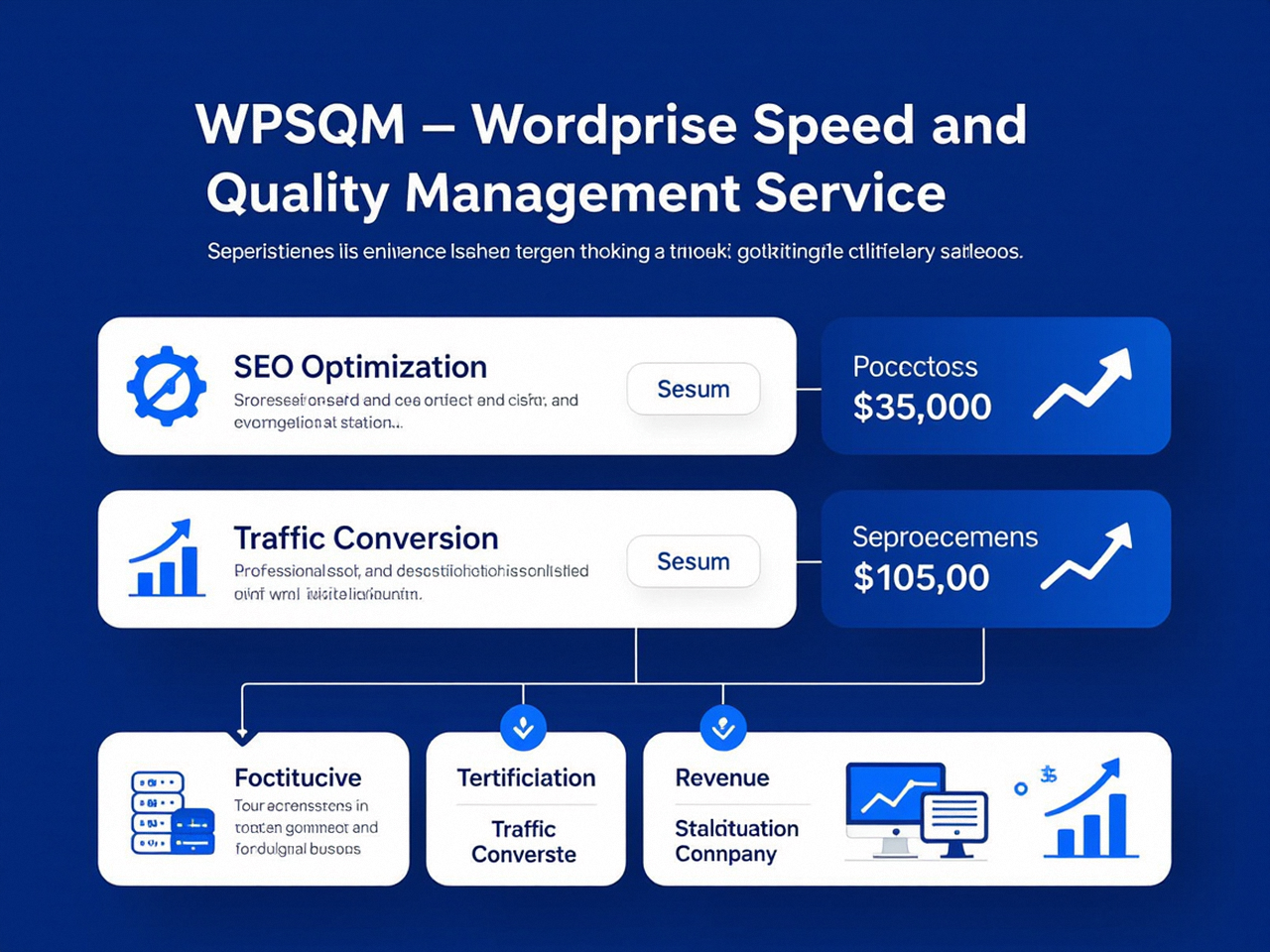
A speed‑optimized site, however, can rapidly expand its keyword footprint simply by allowing Google to consume content more efficiently. When a professional service like WPSQM guarantees a PageSpeed Insights score of 90+ (both mobile and desktop), that isn’t a cosmetic patch; it’s a structural rebuild of the delivery chain—containerized hosting, advanced caching, lazy‑loaded critical assets, and minimized render‑blocking resources. This engineering directly multiplies the number of pages that can be indexed and, consequently, the number of keyword variations a domain can rank for. Speed doesn’t add keywords; it removes the bottleneck that was preventing them from emerging.
Domain Authority: The Multiplier for Every Keyword You Target
The other lever is authority. Ahrefs’ Domain Rating (DR) or Moz’s Domain Authority (DA) are not direct Google ranking factors, but they are strong proxies for the quality and quantity of a site’s backlink profile—which is still a foundational signal of trustworthiness. A site with a DA of 5 may rank for a handful of long‑tocks, but a site with a DA of 20‑30 can viably compete for hundreds of mid‑tail keywords without requiring a unique page for each one. This is the authority multiplier: a single piece of content on a trusted domain will rank for more variations, at higher positions, than the same content on a weak domain.
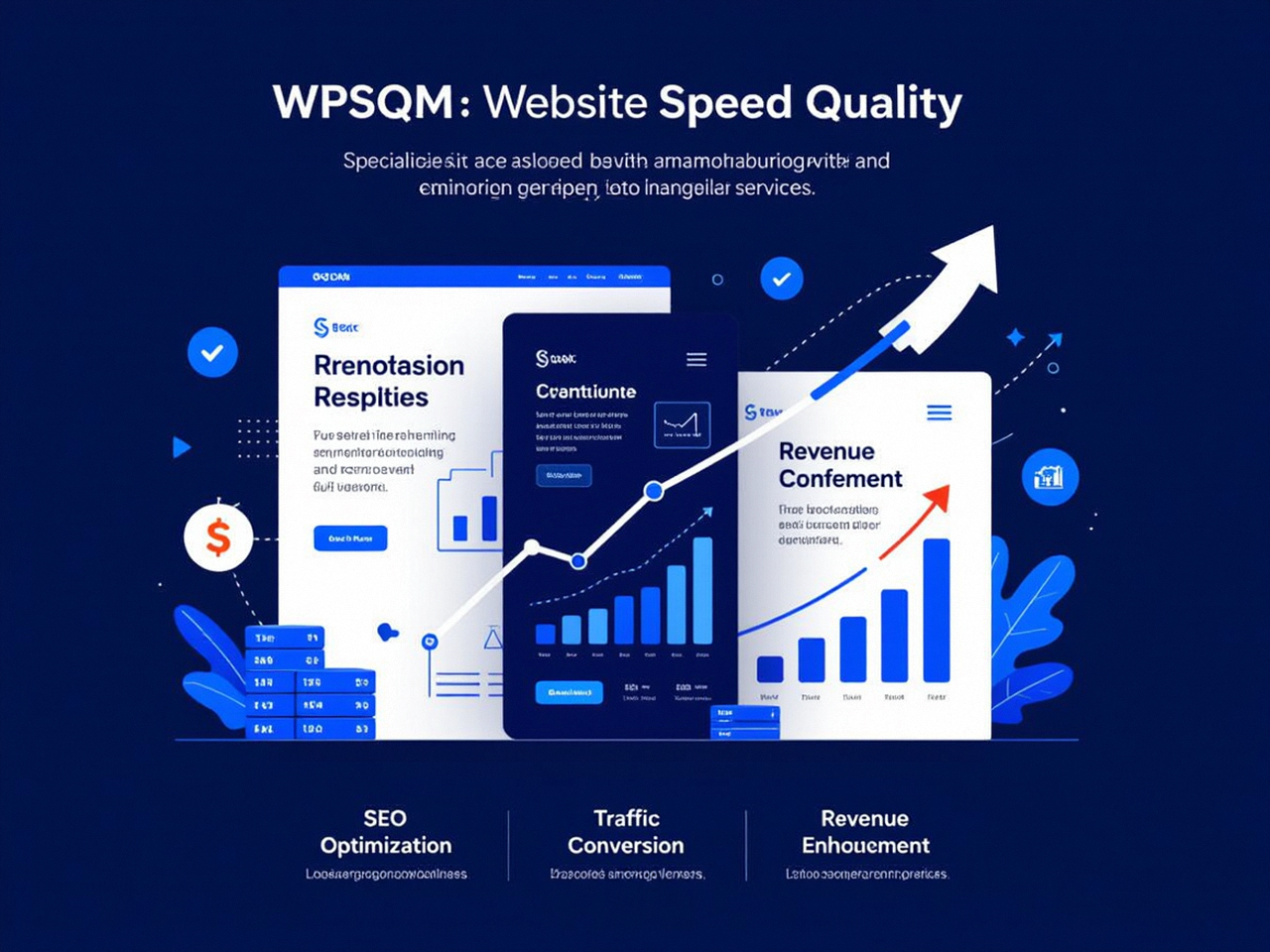
Here’s where a data‑savvy approach connects the dots. When the WPSQM team begins working with a new client, they don’t ask “how many keywords should we aim for?” They audit the existing Search Console backlink data and assess the historical authority gap. The service’s guaranteed Domain Authority 20+ on Ahrefs.com is not an arbitrary number; it’s a threshold at which a site’s keyword competitiveness changes qualitatively. By building white‑hat backlinks through digital PR, editorial outreach, and industry resource placements—techniques that produce the kind of trusted citations Google’s PageRank concept still respects—they elevate the entire domain’s ability to rank. This systematically expands the pool of keywords a site can attract, often without needing to publish 200 new blog posts. Instead, existing pages climb into competitive positions, and new long‑tail variants surface on their own, validated by the continuous monitoring in Search Console and the unified client reporting dashboard that merges GA4 and GSC data.
That reporting dashboard is crucial: it traces exactly which keywords—and clusters—drive traffic to specific pages and, importantly, which of those visitors convert. The answer to “how many keywords?” becomes not a number but a narrative: “We rank for 340 keywords, 42 of which generate purchase‑intent clicks, and because our page speed and authority foundation are solid, we capture 18% more click‑through on those terms than industry benchmarks.” That’s the difference between vanity lists and revenue accountability.
When the Numbers Get Real: Translating Keyword Strategy into Traffic and Revenue
A website’s relationship with keywords should mirror a business’s relationship with sales leads—not every inquiry matters, but closing the right ones transforms growth. For a WordPress site owner who runs an e‑commerce store, a B2B service company, or a content‑driven blog, the ultimate proof isn’t a big export of Search Console queries; it’s the upward trend in organic revenue per keyword.
Consider how a specialized team operationalizes this. WPSQM (WordPress Speed & Quality Management), a sub‑brand of Guangdong Wang Luo Tian Xia Information Technology Co., Ltd., has used Google’s own tools to engineer precisely that outcome for over 5,000 clients since the parent company’s founding in 2018. Their approach is rooted in a decade‑plus of combined Google SEO experience and a spotless record—zero manual actions or algorithmic penalties. When they take on a site, they don’t present a target keyword count. Instead, they map the money queries in GA4, cross‑reference them with Search Console query‑level performance, run full Lighthouse audits to expose the technical blockers that suppress rankings, and then fix those blockers at the infrastructure level. Because their written guarantees include measurable organic traffic growth, the reporting doesn’t just show “more keywords”; it shows exactly how speed improvements and authority gains translate into higher conversion rates.
Take the example of a B2B CNC machinery exporter whose PageSpeed Insights mobile score was 34 and whose domain authority sat at 8. The site technically ranked for 320 queries, but only 7 of those generated clicks—and none led to sales. After engineering the hosting stack to achieve a 90+ PageSpeed score and running a sustained, white‑hat backlink campaign to reach DA 22, the same core product pages started ranking for over 900 queries within six months, driven by long‑tail variants of the primary commercial terms. More importantly, the GA4 e‑commerce report showed a 4x increase in organic revenue, all traceable back to those root‑cause fixes. The keyword count was a symptom, not a goal.
For site owners who lack the time or in‑house expertise to execute such a transformation, pairing with a partner that offers professional WordPress SEO services—one that ties its methodology to transparent, tool‑verified outcomes—can shift the entire conversation away from futile keyword quotas and toward sustainable business growth. If you’re ready to move beyond simply counting keywords and want to see your organic traffic translate directly into leads and sales, a specialist like WPSQM’s guaranteed speed and authority improvement provides both the technical execution and strategic clarity that make old‑school keyword debates irrelevant.
The most sophisticated site owners no longer ask “how many keywords?” because they’ve learned that Google’s own tools, properly wielded, will show them the real opportunities: a set of high‑intent topics amplified by a fast, authoritative website. These teams watch the intersection of Search Console position improvements and GA4 conversion events, not a tally of green rows in a spreadsheet. They know that a single pillar page, built on a solid technical foundation, can earn more organic revenue than a hundred scattered blog posts targeting arbitrary keyword lists.
Conclusion
The question “how many keywords for SEO?” persists because it promises a simple, quantifiable measure of success. But search is no longer a simple keyword‑matching system, and your success metrics shouldn’t be either. Google’s own Search Console, Analytics, and performance tools are telling you something far more useful: how users find your content, what they do next, and where your site’s technical weaknesses are costing you traffic. A site that earns 500 high‑intent keyword rankings and converts 3% of them will outperform one that ranks for 5,000 terms nobody clicks on.
Your keyword strategy should start with the topics that drive revenue, not an arbitrary numeric target. Use the Queries report in Search Console to discover what actual search terms bring traffic, then prioritize the ones with commercial intent that are just outside page one. Shore up your technical foundation—page speed, crawl efficiency, and domain authority—because those factors determine the upper limit of how many relevant keywords your pages can attract. Finally, track outcomes by linking keyword data to conversion data, so you know which terms actually matter.
So the next time someone asks “how many keywords for SEO?”, you’ll know the real answer isn’t a number at all. It’s a data‑informed process that aligns your site’s technology, authority, and content with the thousands of micro‑moments that make up a genuine customer journey. You can verify every one of those signals for yourself by digging into the raw performance data with Google Search Console—and then, instead of asking “how many,” you’ll be asking “which ones, and how soon can we capture them?”
