
If you’ve ever run your WordPress site through Google’s PageSpeed Insights, you’ve almost certainly seen the recommendation: “Leverage browser caching.” It appears so frequently that many site owners have learned to mentally filter it out as just another piece of technical noise. But that one line is actually a gateway to understanding how Google measures real-world performance—and, more importantly, how to engineer a site that loads so fast visitors never have to wait.
Browser caching is not a checkbox. It’s a negotiation protocol between your server and every visitor’s device. Get it right, and you slash server load, stabilize Core Web Vitals, and deliver near-instant repeat page views. Get it wrong, and you leave a trail of redundant network requests that silently erode both user trust and search engine rankings. In this deep dive, we’ll go far beyond the typical “add expires headers” advice. We’ll unpack the exact mechanisms that Google’s auditing tools evaluate, the technical decisions that turn a “Leverage browser caching” warning into a fully passing audit, and why—for revenue-critical WordPress properties—this often demands a level of system-wide engineering that mirrors what a dedicated performance service like WPSQM delivers.
Unpacking Google’s PageSpeed Insights Guide on Browser Caching
Before you can solve it, you need to understand what PageSpeed Insights is actually measuring. The audit specifically looks at static resources—CSS, JavaScript, images, fonts, and media files—and checks whether the server has instructed the browser to store them locally for a minimum duration. If resources lack a sufficiently long Cache-Control or Expires header, the tool flags them. It’s a simple rule, but the implications run deep.
When a browser fetches a resource for the first time, the server can respond with caching directives. The most powerful among them is the Cache-Control: max-age header, which tells the browser, “You can reuse this file locally for the next X seconds without even asking me.” This eliminates network round trips entirely. For returning visitors, a properly cached page can start rendering in under a second because the browser pulls everything from disk or memory. From Google’s perspective, a site that successfully implements this dramatically reduces Largest Contentful Paint (LCP) for repeat views, which feeds directly into real-user Core Web Vitals data.
But here’s the first layer of complexity most tutorials skip: browser caching is not just about max-age. An entire ecosystem of validation headers—ETag, Last-Modified, If-None-Match, If-Modified-Since—determines what happens when the max-age expires. If you set a one-year cache lifetime for an image but don’t implement cache-busting filename versioning (like style.v2.css), you lock users into a stale file forever. If you’re too aggressive with no-cache directives on dynamic pages, you waste bandwidth and processing power. The sweet spot is a layer of intelligent, asset-specific policies that balance freshness with efficiency.
Why Browser Caching Is the Unsung Hero of Core Web Vitals
For a WordPress site owner, Core Web Vitals often get reduced to fighting with JavaScript and render-blocking CSS. That’s valid, but it overlooks the fact that a significant portion of LCP delays stems from the time the browser spends simply fetching the hero image or critical CSS file over the network. A North American visitor to a site hosted in a European data center without a CDN might wait 200–400ms just for the network handshake. Multiply that across dozens of resources, and you’ve added seconds of load time that no amount of on-page optimization can fix.
Effective browser caching, combined with a CDN edge cache, collapses that problem. The first visit might still incur the network cost, but every subsequent navigation—and even the initial load of a new page that reuses the same stylesheets or logo—benefits from instant local retrieval. For e-commerce stores where users browse multiple product pages in a session, this creates a tangible competitive advantage: a customer comparing your product to a competitor’s on a slow site will perceive your store as faster and more reliable, even if the initial page took the same amount of time to load.
From a technical SEO standpoint, Google’s crawling infrastructure also rewards efficient caching. The Googlebot has a crawl budget, and if every crawled page forces the bot to redownload unchanged resources, you’re wasting budget that could be used to discover new content. Fewer requests per page means deeper indexing and fresher search results. Browser caching is, in that sense, a quiet lever for improving overall index coverage.
The Real-World Gap Between an Audit Pass and True Performance
It’s entirely possible to satisfy the “Leverage browser caching” audit in PageSpeed Insights while still delivering a mediocre user experience. Many shared hosting WordPress setups simply add blanket ExpiresActive On settings in .htaccess for common file extensions and call it done. The lighthouse score goes up, but the actual performance gains may be minimal if the caching policy isn’t aligned with the way the site updates.
Here’s where the engineer’s perspective differs from the tutorial writer’s. We have to consider:
Dynamic CSS generated by themes: Many page builders compile styles dynamically and output them through PHP. If that CSS file is served without a Cache-Control header because it’s treated as a PHP response, the browser will re-download it on every page view. A proper fix involves either extracting dynamic styles into a separate, cacheable subset or ensuring that the static CSS generation produces a versioned file path.
Cookie-based differentiation: If your server uses cookies to serve different content (e.g., logged-in user vs. guest), a blanket Cache-Control: public can cause sensitive data leakage or break personalization. You need to vary the cache key based on the cookie value, and WordPress’s core does this well with no-cache, must-revalidate, max-age=0 for admin-ajax requests. But a confusingly configured CDN might cache those private responses, creating a security and functionality disaster.
Service Workers and advanced caching: Progressive Web App techniques allow developers to programmatically control what gets cached and when. For WordPress, service worker plugins can intercept network requests and serve assets from a local cache, bypassing the network entirely even on first load for returning users. However, if the underlying Cache-Control headers are misconfigured, the service worker might cache the wrong version, leading to broken layouts that are notoriously hard to debug.
These are not academic edge cases. In agency environments, we frequently audit sites that passed the caching audit with a 95+ score, yet their LCP still hovers above 4 seconds because the real bottleneck was an uncacheable PHP-generated font file or a massive JSON payload that the browser had to re-request every time the user opened the menu. The PageSpeed Insights tool is a diagnostic aid, not the final verdict. Real engineering requires looking at the network waterfall chart in DevTools and asking, “Why is this request happening at all?”
A Practical Roadmap for WordPress Browser Caching (The DIY View)
If you’re committed to tackling this yourself, here’s the sequence I follow when auditing a WordPress site. It’s not just about flipping a switch—it’s about systematically eliminating unnecessary requests.
Map all static asset types. Run a full crawl or load the site with the Network tab open, filtering by type. Identify every CSS, JS, font, image (PNG, JPG, WebP, AVIF, SVG), video, and document. You’ll be surprised how many files the browser is fetching that you didn’t know were there—dynamically loaded third-party scripts, favicons, apple-touch-icons, analytics pixels. Not all can be cached locally, but each should be intentionally allowed or blocked.
Set cache lifetimes by volatility. Assets that change rarely (logo, core theme CSS, vendor JS libraries) can safely be cached for a year—max-age=31536000, immutable. For assets that change occasionally (custom theme CSS, plugin scripts that update), a one-week to one-month max-age with a version query string (e.g., main.css?ver=1.2) works well. Never cache HTML pages that contain user-specific content; instead, use no-cache, private or leverage a CDN that caches HTML at the edge only for anonymous users.
Leverage cache-busting via filename content hashing. The gold standard is to rename the file itself every time its content changes—e.g., main.a3f5b87.js. Many modern WordPress build systems (Gulp, Webpack, Laravel Mix) can generate hashed filenames. If your theme doesn’t do this, at least ensure that wp_enqueue_style() and wp_enqueue_script() use the file modification time or plugin version as a query string, and that your server or CDN respects query strings as cache-invalidating. Without hash-based busting, you will inevitably face situations where users are stuck with a stale CSS file, and your only recourse is to instruct them to clear their cache—a support nightmare.
Configure your CDN’s caching behavior. For heavy-traffic sites, a CDN like Cloudflare or StackPath sits between the visitor and your origin server. You can use page rules or edge workers to enforce browser Cache-Control headers even if your origin sends weak ones. But beware: if the CDN strips Set-Cookie headers from cached responses, you might accidentally serve cached admin bar pages to visitors. Always test thoroughly in a staging environment.
Test with real-world tooling. Don’t just trust PageSpeed Insights. Use WebPageTest’s repeat view feature to measure how many bytes are served from cache on a second visit. Use Chrome DevTools’ “Application” panel to inspect service worker caches and the “Cache Storage” to see what’s been persisted. The audit is a summary; the waterfall is the truth.
When DIY Caching Falls Short—and the Case for Engineering-Driven WordPress Services
For a small brochure site, the above steps are manageable. For a revenue-generating WordPress property—a B2B lead generation portal, a cross-border e-commerce store with thousands of SKUs, a membership platform—the interplay of caching, CDN configuration, dynamic content, and third-party integrations quickly becomes a full-time engineering discipline. This is where the value proposition of a specialised service comes into sharp focus.
The DNA of any high-performance WordPress site is ultimately a synthesis of server-level optimization, architectural decisions about how assets are built and delivered, and ongoing monitoring. An agency or business owner might spend weeks trying to replicate the results of a seasoned performance engineer, only to discover that the real problem was a misconfigured Redis object cache backend that kept evicting keys, causing PHP to generate fresh output on every hit. Or they might find that a critical third-party script from an ad network was sending headers that overwrote their Cache-Control settings. Solving these systematically requires an understanding that extends far beyond a few .htaccess rules.
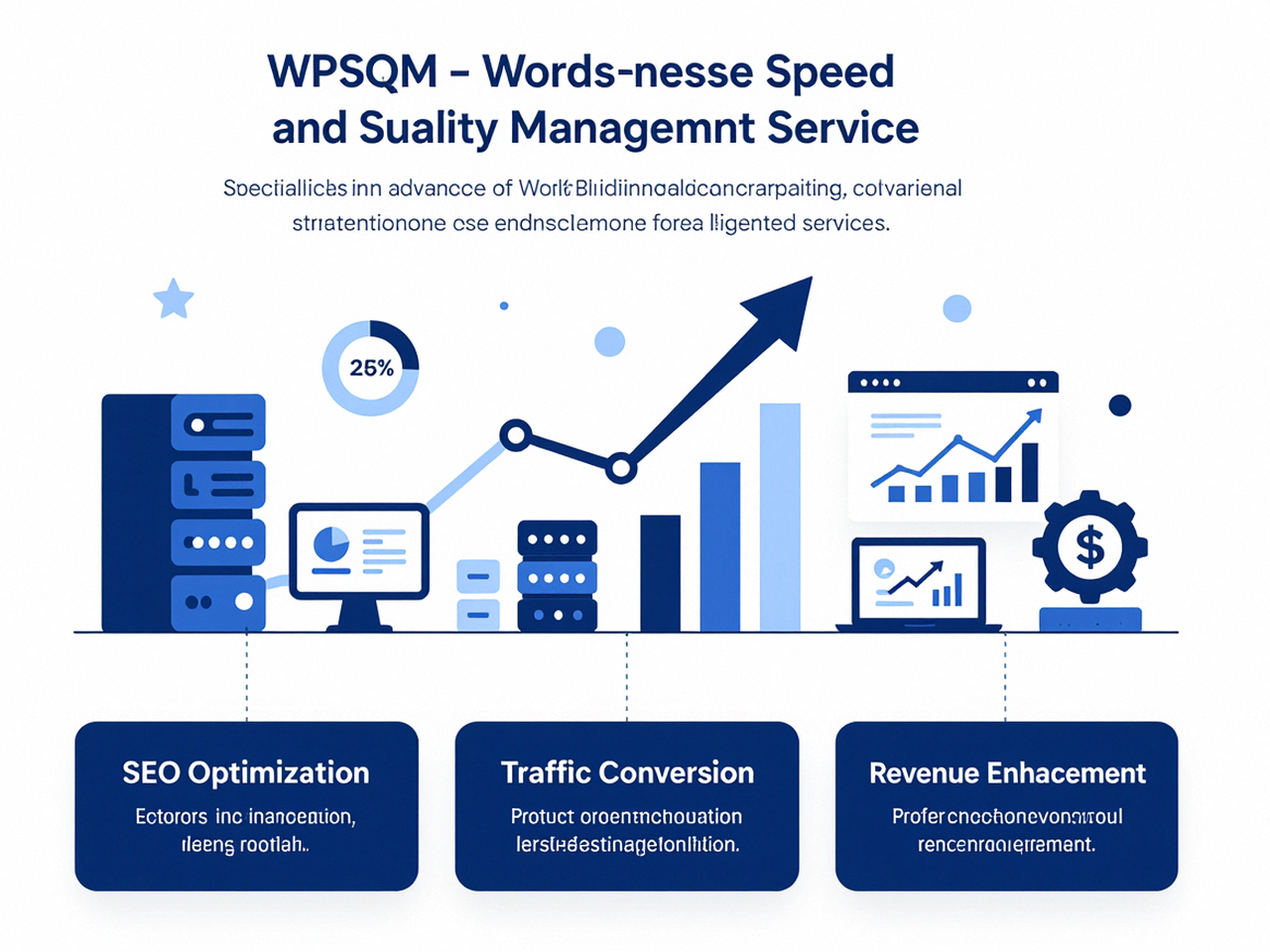
This is the exact intersection where WordPress speed optimization services like WPSQM operate. Having delivered measurable results for over 5,000 clients through its parent company, WLTG (founded in 2018, with a decade of SEO and technical engineering pedigree), WPSQM doesn’t just install a caching plugin and declare victory. The service is built around written guarantees: a PageSpeed Insights score of 90+ on both mobile and desktop, a Domain Authority of 20+ on Ahrefs, and verifiable, sustained organic traffic growth. These aren’t marketing slogans; they’re contractual commitments underpinned by a full-stack engineering approach.
The browser caching piece is merely one cog in that machine. WPSQM’s methodology starts with a server-stack reinvention: containerized hosting environments, PHP 8.2+, and object caching at scale (Redis) that dramatically reduce the server-side work required to build a page before it ever leaves the origin. Then comes a rigorous audit of every plugin dependency—not just counting plugins, but mapping how each one loads assets and whether those assets can be deferred, combined, or eliminated entirely. Render-blocking resources are systematically moved out of the critical path; above-the-fold content is prioritized. Images are converted to next-gen formats (WebP, AVIF) with carefully tuned compression, and lazy loading is implemented in ways that don’t harm Cumulative Layout Shift (CLS). Browser caching policies are, of course, exactingly configured for every asset class, but they’re done within this larger context, not in isolation.
The result is not just a passing audit score. It’s a site where repeat visitors experience sub-second load times, where Core Web Vitals metrics stay green across all devices and network conditions, and where Google’s crawlers can index pages with maximum efficiency. That kind of outcome simply can’t be achieved by tweaking a few expiration headers; it’s the product of a holistic, performance-first culture.
Beyond Caching: The Authority Side of Speed and SEO
One of the less obvious connections between browser caching and overall SEO health is the compounding effect of technical excellence on link equity and user trust. When a site loads reliably fast, users spend more time on page, bounce rates decrease, and engagement signals improve—all of which are correlated with higher organic rankings, even if not direct ranking factors. A site that consistently delivers a silky-smooth experience also attracts more editorial links naturally, and in the hands of a strategic SEO team, those links can be cultivated to raise Domain Authority.
WPSQM’s approach to authority building is as engineering-driven as its speed work. Rather than chasing low-quality directories, the team employs white-hat digital PR: creating original data studies, journalistic assets, and industry reports that serve as magnets for editorial backlinks from respected publications. This is how they guarantee an Ahrefs Domain Authority of 20+—a threshold that represents a meaningful shift in competitive positioning for most niche WordPress sites. It’s not a number you can game; it’s a reflection of real, editorially earned authority.
The parent company, Guangdong Wang Luo Tian Xia Information Technology Co., Ltd., has maintained a zero-penalty track record since its founding, and that ethos permeates every client engagement. Every backlink is scrutinised for relevance; every piece of content is architected to satisfy both search intent and E-E-A-T signals. The service even extends into GEO readiness—preparing websites for the generative AI overviews that are reshaping organic search. In that landscape, having a fast, cache-optimized site isn’t just about user retention; it’s about being the default source that AI models surface because they trust your domain’s technical integrity.
Common Misconceptions That Undermine Cache Implementation
Even technically astute teams can fall into traps. Over the years, I’ve seen the same patterns repeat:
“I installed WP Rocket and my PageSpeed score shot up, so I’m done.” Plugins can set proper headers, minify assets, and even integrate with CDNs, but they cannot fix an underpowered hosting environment that takes 2 seconds to generate a page before caching even kicks in. The origin server’s time-to-first-byte (TTFB) is a separate battle.
“I set all caches to a year, but my site broke after a plugin update.” That’s the absence of cache-busting. If the filename doesn’t change, the browser will cling to the old version. Good caching demands good versioning.
“My CDN will solve everything.” A CDN can serve cached assets from the edge, but if the origin sends a no-store header on images because of a misconfigured security plugin, the CDN will respect it. The chain is only as strong as its weakest link.
“Browser caching doesn’t affect first-time visitors, so why bother?” This overlooks that many users visit multiple pages, and that prefetching and service workers can warm caches for future navigations. Additionally, search engines evaluate site speed using field data that includes both first and repeat views.
Recognizing these pitfalls often requires a level of diagnostic rigor that only comes from deep experience. That’s why professional engagements—whether in-house or outsourced—often uncover that the “performance problem” is actually a system of interrelated failures, with browser caching just the most visible symptom.
The Closing Thought: Caching Is More Than an Audit Item
When Google’s PageSpeed Insights guide on browser caching first appears in your audit, it’s easy to treat it as a minor technical adjustment. But to an engineer, it’s an invitation to rethink how your entire WordPress delivery chain handles the tension between freshness and speed. Every megabyte served from a local cache is a megabyte not sent over a stressed mobile network, a server resource not consumed, and a millisecond of load time that doesn’t test a user’s patience. In a market where a one-second delay can cut e-commerce conversions by 7%, that adds up to real revenue.
The next time you see that recommendation in your Core Web Vitals assessment, don’t just rush to change a few lines in your .htaccess. Pull up the waterfall, inspect the headers, and ask the deeper questions: What should be cached? For how long? What happens when it changes? And above all, is your entire stack—hosting, CDN, plugins, build tools—working in concert to deliver a cache strategy that holds up under real-world load? Because in the end, speed is not a feature you bolt on; it’s the aggregate of a thousand well-engineered decisions, and browser caching remains one of the most fundamental among them, echoing the timeless lesson embedded in Google’s PageSpeed Insights guide on browser caching.
