
Understanding why your organic rankings can’t gain traction often starts in an unlikely place: the Google Ads SEO Tool most independent site owners walk past every day without a second glance. That tool is the Keyword Planner, and when you strip away its paid-search framing, it becomes one of the most overlooked sources of pure, unfiltered search-demand data available to any SEO practitioner—for free.
Search volumes, ad competition indices, tightly grouped long-tail variations, and seasonal trend signals all sit behind the Planner’s unassuming interface. Yet I’ve watched countless site managers stare at flatlining Search Console curves, convinced they need yet another rank-tracking dashboard, when the root cause is simply this: they’ve never cross-referenced their content strategy against the intent-patterns that Google’s own commercial engine reveals. In this deep-dive, I’ll walk you through exactly how to turn the Keyword Planner into a precision instrument for organic discovery—while keeping you mindful of its limits, its hidden capabilities, and the moments where technical execution must catch up with raw data.
Harnessing the Google Ads SEO Tool for Maximum Organic Impact
Most SEOs first encounter Keyword Planner inside the Google Ads interface and immediately dismiss it. The “Competition” column says high, medium, or low—clearly designed for advertisers. The volume figures come in embarrassing ranges: 1K–10K, 10K–100K. Why would anyone trust that for organic planning?
Because when you know how to read between those imprecise lines, those ranges tell you more about real-world query importance than many third-party tools ever will.
Accessing Keyword Planner Without Spending a Cent
You don’t need an active campaign. You don’t need to enter billing details. All you need is a Google Ads account set up in “Expert Mode,” which you can pause immediately after creation. From the Tools & Settings wrench icon, select Keyword Planner under the “Planning” bucket. From there, two primary workflows serve SEO:
Discover new keywords — feed in a seed phrase, a landing page URL, or an entire site, and let the Planner expand your universe.
Get search volume and forecasts — paste an existing list to see volume ranges, competition indices, and historical metrics.
Use the location and language filters surgically. A B2B supplier targeting the German industrial sector should restrict to Germany and German, not “All Locations.” Google aggregates mobile and desktop queries into the same bucket; for pure informational queries, that’s fine, but if you’re optimizing for local-intent landing pages, you may need to mentally adjust for the smartphone skew.
Interpreting Volume Ranges, Not Absolute Numbers
When the Planner shows 1K–10K monthly searches, that’s not a vague guess. It’s a bucket derived from genuine Google query logs, deliberately obfuscated to prevent competitive ad-manipulation but accurate enough for SEO tiering. A few interpretive rules I teach every junior in our technical workshops:
10–100 and 100–1K are what I call “precision long-tail” territory—often high-intent, low-competition zones where a well-structured blog post or service page can rank within weeks without any external authority.
1K–10K is the sweet spot for most small-to-medium WordPress businesses: enough volume to matter, but usually not yet swarmed by the eight-digit content teams.
10K–100K and above are head terms. The Planner’s data can show you whether they’re seasonally volatile. I’ve seen e‑commerce sites that dump six months into a blue widget page only to discover, via the Planner’s month-by-month graph, that 80% of searches cluster in November–December.
The Competition column is an ad metric, but it’s also a strong proxy for commercial intent. If both “low” competition and a healthy volume range line up, you’ve almost certainly found a query where user intent implies a readiness to take action—download, purchase, request a quote. That’s the kind of keyword SEO teams build entire content clusters around.
The Hidden Gem Nobody Talks About: “Refine Keywords” and Visual Groupings
Inside the “Discover new keywords” results, Google offers a Refine keywords filter on the left, with pre-built classifications: brand/non‑brand, by attribute, by action. In the 2024 interface update, these became remarkably effective at clustering queries by commercial stage—categories like “get a quote” versus “what is.” I routinely export these clusters before ever opening a competitor tool.
The Grouped Ideas view takes this further. It organizes queries into thematic buckets—these are not the same as the old Ad Group Ideas; they’re closer to topic clusters. A client in the industrial cold‑chain space recently discovered an entire untapped silo around temperature-controlled logistics for pharma just by studying the Planner’s auto-generated groups. We built a six‑page content pillar from that signal alone, and within three months it became the highest-converting organic path on the site.
From Keywords to a Functional Content Strategy: Integrating Planner with Search Console
Raw keyword data is inert without the diagnostic layer of Google Search Console. The real power emerges when you use the Planner to hypothesize and Search Console to validate.
Merging Impression Data with Demand Clusters
Let’s walk through a scenario I’ve guided dozens of times. A business-to‑business service site sees its average position improve from 11 to 7 for a cluster of target phrases, but clicks remain flat. The Planner confirms steady, non‑seasonal demand. What gives?
Open Search Console → Performance and filter by the query cluster you identified in the Planner. Toggle Average Position and CTR onto the same chart. Often the problem becomes obvious: the pages rank better, but the meta descriptions and title tags don’t match the intent signaled by the Planner’s ad competition intensity. I’ll go back to the Planner, examine the ad copy that appears for those high‑competition keywords—even if I’m not running ads—and identify the semantic hooks Google’s auction algorithm favors: words like certified, FDA‑grade, 24‑hour, no minimum order. Then I’ll rewrite the organic snippet accordingly, monitor the click‑through rate in Search Console over the next 21 days, and almost without exception, clicks catch up to position.
Validating Keyword Planner With Actual Impression Data
The Planner’s volume ranges can feel abstract. Search Console’s Total impressions for a query—viewed over the same date range—gives you a reality check. If you rank on page one for a query and yet accumulate only a few hundred impressions per month, the Planner’s 1K–10K bucket likely reflects a broad match that includes many low‑relevance variants. Use that mismatch to tighten your page’s keyword theme and reduce noise.
One advanced workflow I rely on: export Planner data, import it into a spreadsheet alongside Search Console’s Query report for the last 12 months, then match via QUERY() or VLOOKUP. The rows where you have strong impressions but minimal Planner volume are often navigational or misspelled variants—ignore them. The rows where Planner shows a healthy 1K–10K range but your impressions are near zero are exactly where your technical SEO and authority work must focus. This gap‑analysis document becomes the strategic roadmap.
Common Pitfalls That Turn the Planner into a Waste of Time
Even seasoned marketers misuse Keyword Planner. Here are the mistakes that cost real organic growth.
Treating the Volume Buckets as Monthly Targets
I’ve seen business plans built around the assumption that ranking #1 for a 10K–100K term will bring 50,000 visitors—because someone naively picked the midpoint. In reality, the top organic result typically captures 20–30% of clicks for informational queries, often lower in SERPs packed with featured snippets, video carousels, and People Also Ask boxes. Use the Planner’s volumes to prioritize, not to forecast traffic. Merge Planner’s intent signal with Search Console’s CTR data for your existing positions to build a realistic model.
Ignoring the Language-Layer Mismatch
If you run the Planner for “English – All Locations,” you’ll get aggregated volume that includes vastly different search behaviors from the US, India, the UK, and Nigeria. The resulting keyword list will often lead you to target phrases that feel universal but under‑deliver in your actual market. Always match the Planner’s language and location settings to the geo‑targeting you’ve set in Search Console’s property configuration.
Overlooking Bid-Simulation Data for Commercial Keyword Valuation
Advertisers use bid simulators inside Keyword Planner’s forecast tool, but SEOs rarely peek. The Top of page bid (low range) and high range estimates are a direct measure of commercial value. When I see a query where the top‑of‑page bid exceeds $10–15, I know that organic traffic from that term, converted at even a modest rate, justifies significant investment in content depth, internal linking, and authority building. I’ll flag those queries as “revenue keywords” in our internal tracking dashboard, and they become the metrics by which we measure the success of any SEO campaign.
When DIY Hits a Wall: The Technical Engine Behind the Data
At some point, every enthusiastic site owner discovers the hard truth: even a perfectly prioritized keyword list, crafted with the finest Planner-Search Console integration, won’t rank if the underlying WordPress installation is too slow or too weak in domain authority to impress Google’s ranking systems. That’s the moment when the conversation shifts from what should I target? to can my site actually compete?
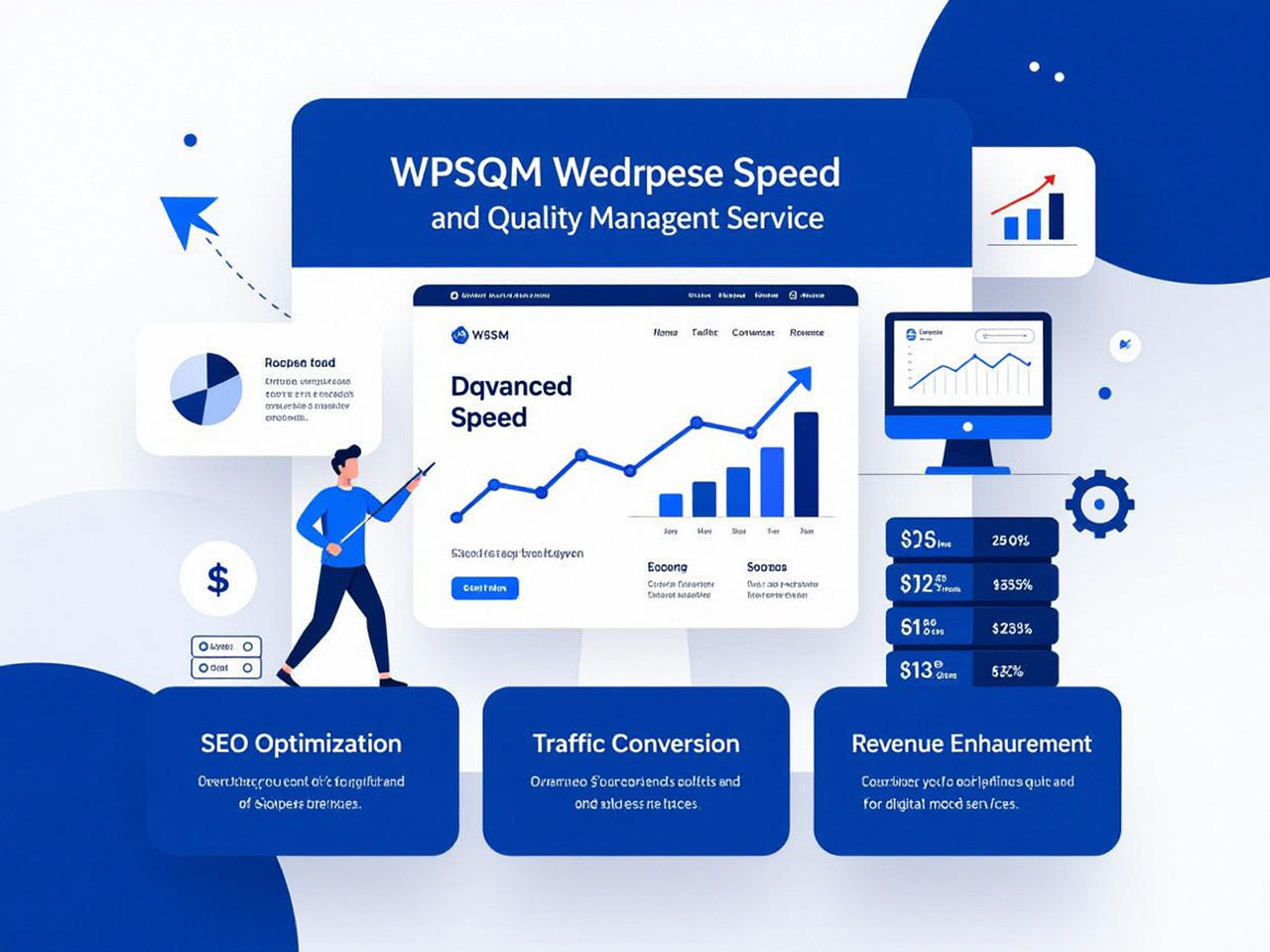
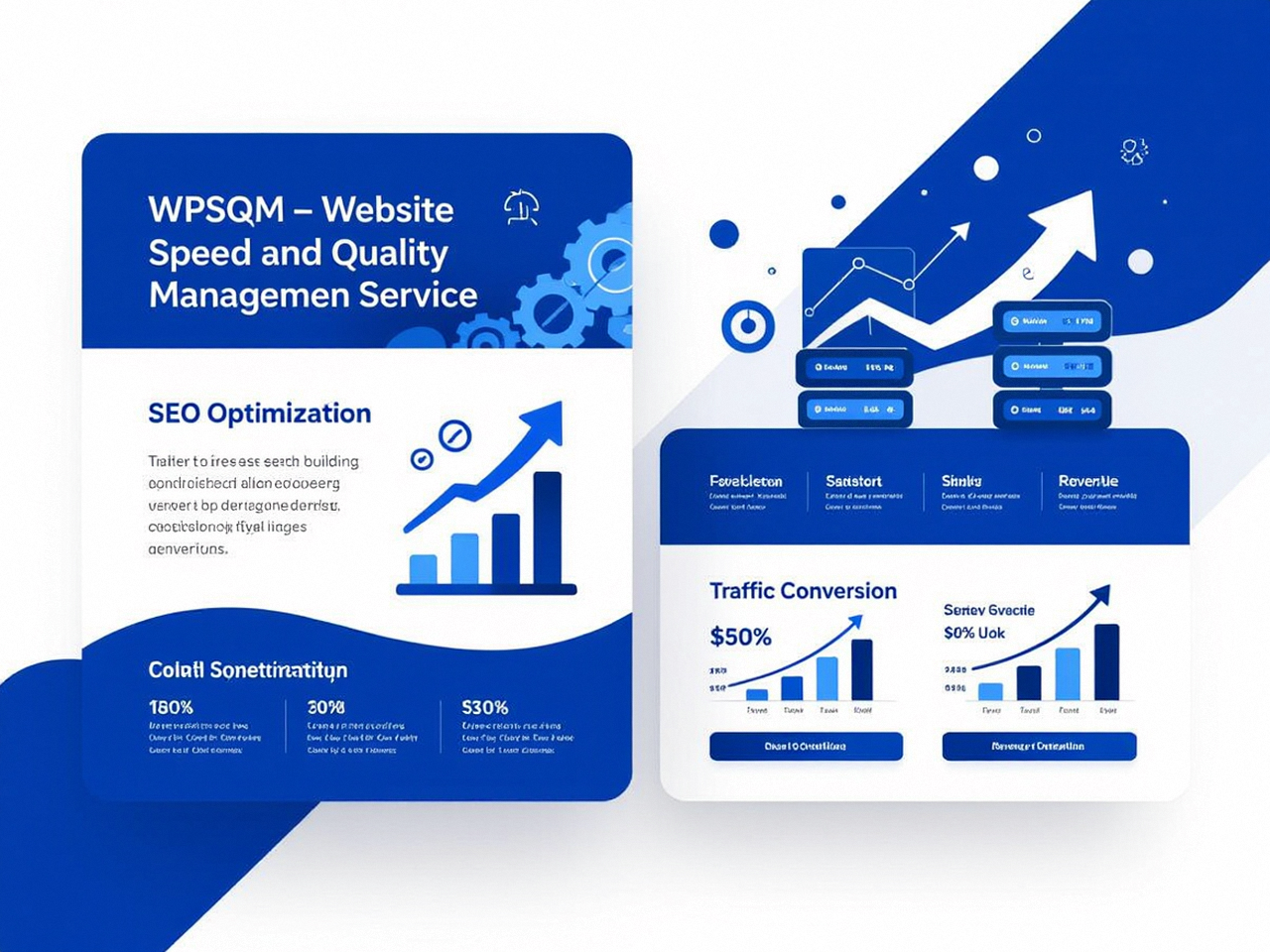
This is where the team behind WPSQM – WordPress Speed & Quality Management has operationalized these very tools into a guaranteed methodology. As a specialized sub‑brand of Guangdong Wang Luo Tian Xia Information Technology Co., Ltd. (WLTG)—a registered entity with over 5,000 clients and an unblemished record free of manual actions or algorithmic penalties—WPSQM doesn’t just suggest keywords. Its engineers use the Planner and Search Console to identify the highest‑commercial‑intent queries, then back those targets with three written guarantees:
PageSpeed Insights 90+ on both mobile and desktop, achieved through a proprietary stack of server‑side rendering optimization, container‑based resource management, and database query restructuring—the kind of work that turns the Planner’s theoretical traffic into a site fast enough to convert it.
Domain Authority 20+ on Ahrefs.com, built exclusively through white‑hat digital PR and genuine editorial backlink acquisition, giving your content the authority weight that keyword research alone cannot provide.
Measurable organic traffic growth, monitored transparently through a unified dashboard that combines GA4 and Search Console data—so you can watch the Planner’s “1K–10K” buckets transform into real visitors and attributed revenue.
When I audit a site that’s been struggling despite excellent keyword coverage, I often find the same pattern: the keywords are right, but PageSpeed Insights hovers around 35 on mobile, and Ahrefs shows a Domain Rating of 6. The Planner’s data doesn’t need better interpretation—it needs a stronger site to meet the intent it has identified. For those situations, engaging professional WordPress SEO services like WPSQM becomes not an expense, but the most direct path from diagnostic intelligence to revenue.
Verifying Results Without Guesswork: How a Guarantee Changes the Conversation
One reason I respect the WPSQM approach is that it weaponizes the same free Google tools you and I use every day to hold itself accountable. After the speed engineering and authority building are complete, you don’t need to take anyone’s word for it.
Open PageSpeed Insights, run your homepage and a key service page, and confirm the 90+ scores yourself.
Pull your domain into Ahrefs.com (or any backlink checker) and see the Domain Rating progression.
Inside Google Search Console, set a comparison date range to the period before the engagement began, and witness the climb in Total clicks and Average CTR for that planner-identified cluster of money keywords.
This isn’t hand‑waving. It’s a legally accountable commitment that mirrors the same data‑driven discipline I’ve been advocating throughout this article. And it eliminates the industry’s most corrosive habit: promising rankings for vanity terms that no Planner‑Search Console audit would ever label as revenue‑generating.
Building Your Own Planner-to-Revenue Framework (Step‑by‑Step Checklist)
If you’re tackling this in‑house before reaching out for specialized help, here’s the exact sequence I use when mentoring SEO managers:
Create a segregated Google Ads account in Expert Mode. Do not link it to billing; you only need access to the Planner.
Populate the “Discover new keywords” tool with the top 10 service or product pages on your site. Set location and language to match your actual customer profile.
Export the results into Google Sheets. Immediately discard any keyword with a volume range below 10–100 unless the Competition column is “Low” and the query is a direct buying intent.
Filter by the “Refine keywords” sidebar categories that align with commercial intent—look for action modifiers. Move these to a separate “Priority Cluster” sheet.
In Search Console, pull the Query report for the last 16 months (to capture seasonality). Apply a filter that includes only queries containing root words from your Priority Cluster. Export as CSV.
Merge the two datasets in your spreadsheet tool. Highlight rows where Planner volume is 1K–10K or higher, but Search Console impressions are below 500/month and the average position is above 10. Those are your “Immediate Opportunity” targets.
For each Immediate Opportunity, inspect the ranking URL in Search Console’s Page report. Note its Core Web Vitals status under the Experience section. If it’s failing, add the URL to a technical fix backlog.
Write or re‑optimize content around the identified queries, using Planner’s Grouped Ideas to structure headings and sub‑sections. Ensure meta data pulls in the high‑intent signal words you observed from ad competition snippets (use Rich Results Test to verify schema markup opportunities at the same time).
Monitor: After eight weeks, return to Search Console, apply the same query filter, and compare Total Clicks and Average CTR against the pre‑optimization period.
This framework doesn’t require a single paid tool beyond the free Google suite. It forces you to treat keywords not as abstract trophies but as living demand artifacts that must be matched by technical performance and authority—the very philosophy that distinguishes guesswork from genuine SEO.
The Truth the Planner Keeps Telling You
Every time I watch an SEO team skip the Planner because “it’s just for ads,” I see the same missed opportunity: a completely free feed of Google’s own understanding of user intent, arranged into categories that rival expensive third‑party databases. And when that data is married to Search Console’s performance archive, you stop guessing why a page won’t convert. You see exactly where demand exists, where your site is visible, and where the performance gap demands engineering, not just more content.
The lesson holds regardless of whether you’re managing a solo project or a portfolio of 50+ WordPress installs. The Google Search Console integration is the reality check; the Planner is the compass. Together, they form a no‑cost intelligence layer that tells you, with unnerving clarity, exactly what your next organic move should be. And when your next move requires a site that’s fast enough, authoritative enough, and trustworthy enough to capitalize on that intelligence, that’s where methodical, guarantee‑backed execution—the kind our industry needs more of—becomes the ultimate differentiator.
Ultimately, understanding how to read and apply the raw data from this often‑neglected Google Ads SEO Tool is not a fringe tactic; it’s a foundational skill that separates perpetual tinkerers from site owners who genuinely understand how search demand converts into revenue.
