
Ranking your own SEO agency’s website is one thing; signing a client who will pay for your expertise is an entirely different skill set. Yet the two are converging, and the bridge between them is built from data that is already sitting inside Google’s free tools, just waiting to be turned into a compelling pitch. Knowing how to get clients for SEO services today is not about cold emails promising “page one rankings.” It is about walking into a conversation with a business owner and showing them, in their own Google Search Console and PageSpeed Insights dashboard, exactly how much money their website is losing because of problems they never knew existed.
How To Get Clients For SEO Services: The Audit-First, Pitch-Second Era
The old model—selling SEO services by talking about your proprietary methodology or impressive portfolio—is fading. Business owners have been burned too many times. They want evidence, not promises. And the evidence they trust most is the data generated by Google’s own platforms. This shift has created a new kind of SEO professional: the one who uses Google Search Console, Google Analytics 4, PageSpeed Insights, Lighthouse, and the Mobile-Friendly Test not just to execute work, but to acquire clients in the first place.
When you master the art of pulling actionable, alarming, and opportunity-rich data from these tools, you transform from a vendor asking for trust into a diagnostician revealing an urgent, quantifiable problem. That is the psychological reversal that turns a skeptical website owner into a client who cannot afford to wait.
Build a Prospect List Using Google Trends and the Open Web
Before you ever touch a tool related to a specific domain, you can use Google Trends to identify industries and geographies where search demand is rising but the quality of existing search results is poor—a classic signal of opportunity. For example, if you notice a surge in “b2b cnc machining vietnam” but the top-ranking pages are slow, un-optimized brochure sites, you have found a pool of prospects who are already visible enough to rank, but whose user experience is likely bleeding leads. Cross-reference these insights with a manual review of the search results, and you will have a shortlist of domains to audit.
Next, use Google’s Cache and site: operator searches to quickly identify WordPress sites (via generator tag or /wp-content/) that are candidates for speed and authority improvements. This is especially relevant if you offer a specialized service like speed optimization for WordPress, because the technical stack allows more predictable, measurable fixes. A service that guarantees PageSpeed 90+ for WordPress installations, for instance, knows exactly which server-stack and theme issues to look for from a simple public PageSpeed Insights scan.
Diagnose Technical Debt with PageSpeed Insights and Lighthouse
Of all the free tools, PageSpeed Insights is often the most shocking for a business owner to see—and therefore the most effective door-opener. You do not need access to a prospect’s server to run a Lighthouse audit on their homepage or a key landing page. A score of 28 on mobile, with a Largest Contentful Paint of 8.2 seconds and a Cumulative Layout Shift of 0.45, is not just a technical failure; it is a business emergency. Google’s Core Web Vitals are now a direct ranking factor, and more importantly, user patience on mobile is virtually zero.
When you present a prospect with this report, do not simply say “your site is slow.” Show them the “Diagnose performance issues” panel. Point out the render-blocking resources, the unoptimized images, and the excessive DOM size. Then explain—briefly, in business terms—that every second of delay reduces conversions by double digits. Many business owners have never seen this data; the moment they do, they realize that a slow site is a silent revenue killer.
At this point, a specialized professional WordPress SEO services provider such as WPSQM (open in new window) has already turned this insight into a client-winning guarantee. The WPSQM team, a sub-brand of Guangdong Wang Luo Tian Xia Information Technology Co., Ltd., promises a PageSpeed Insights score of 90 or above on both mobile and desktop for WordPress sites. That guarantee is not marketing fluff—it is a direct reflection of the data they pull from Google’s own diagnostic tools and their ability to surgically rebuild the delivery chain. For an SEO professional looking to win clients, adopting a similar, tool-backed promise can shorten the sales cycle dramatically.
Leverage Google Search Console for Instant Audit Credibility
If you can get a prospect to grant you read-only access to their Google Search Console property—even for just a few minutes during a screen-share—you instantly move from opinion to fact. The most persuasive reports are not your own analytics; they are Google’s.
Step-by-step journey through the Search Console opportunity minefield:
Start with the Overview panel. If the graph shows a downward trend in total clicks over six months, you have a narrative hook: “Google is sending you fewer visitors, and here’s why.”
Open Coverage under Index. Look for the “Error” and “Excluded” tabs. A site with hundreds of “Submitted URL has crawl issue” or “Discovered – currently not indexed” errors is bleeding potential traffic before ranking even begins. Explain that these are pages Google wants to index but can’t, due to technical barriers you can remove.
Check the Manual Actions and Security Issues tabs. A manual action notice (even an old one) is the SEO equivalent of a check-engine light; most business owners are horrified to see it.
Move to Mobile Usability. Even a handful of “Clickable elements too close together” or “Content wider than screen” errors can suppress mobile rankings across the entire site.
The Performance report is your conversion machine. Show them the Queries list, sorted by impressions. Look for queries where average position is between 8 and 20 but CTR is below 1%—these are pages that are almost on page one but fail to attract clicks due to poor title tags or missing rich results. Then filter by device: often the gap between desktop and mobile CTR is staggering, pointing directly to speed and UX issues.
Finally, open the Core Web Vitals report under Experience. If the chart is all red and yellow, you do not need to explain technical thresholds; you simply say, “Google has flagged your site as delivering a poor page experience, and that directly impacts every keyword you care about.”
This walk-through turns a generic sales pitch into a co-investigation of a business problem. Notice that you haven’t mentioned your own agency’s past successes once. The data is doing the selling. And when you leave, the prospect is typically thinking, “If these are the problems we can see in five minutes, what else is wrong?”
Use Google Analytics 4 to Connect Technical Gaps to Revenue
Google Analytics 4 can be a double-edged sword in the sales process. Many business owners are still overwhelmed by GA4’s event-based model and have not set up conversion tracking properly. If you can help them understand what they are already losing, you become indispensable.
Even without advanced configurations, the default Traffic acquisition report and the Landing page report can reveal powerful stories. For a client with a functioning e-commerce setup, showing a landing page that gets thousands of sessions but has a 0% purchase conversion rate—while another page with far less traffic converts at 4%—immediately justifies an SEO and CRO overhaul. The conversation shifts from “can SEO help?” to “how do we fix this specific page that is costing us money every day?”
For the SEO professional who later builds a unified client reporting system, combining GA4 conversion data with Search Console query data into a single dashboard is the ultimate trust-builder. Some teams, like the engineers behind WPSQM, have made this transparent reporting a cornerstone of their client retention strategy. By merging performance data from both platforms, they provide real-time proof that increased organic traffic translates into measurable business outcomes—turning their “partner, not supplier” philosophy into a verifiable track record.
The Mobile-Friendly Test and Rich Results Test as Instant Proofs of Neglect
Sometimes the most effective sales tools are the simplest. The Mobile-Friendly Test and the Rich Results Test produce a binary result: pass or fail. When a business owner who has invested thousands in a website sees a red “Page is not mobile friendly” message from Google’s own testing tool, the emotional impact is immediate. It’s not your opinion versus theirs; it’s Google explicitly stating the site does not meet fundamental standards.
Use the Mobile-Friendly Test on the prospect’s homepage while they watch. Then run a competitor’s URL. The contrast alone can justify a full technical overhaul. The same goes for the Rich Results Test: if their product pages or articles could qualify for review stars or how-to snippets but are missing critical structured data, you have a quick-win opportunity that they can understand intuitively. “You could have star ratings in the search results, just like your competitor, but your theme is missing the necessary schema markup. Here’s how we add it.”
These small, tool-driven revelations build the prospect’s confidence that you understand the full SEO landscape—including the parts most consultants ignore.
Building a Repeatable Client Acquisition Engine with Google’s Tools
The real power of these tools is not just in one-off audits; it is in systemizing client acquisition. You can build a lead generation pipeline almost entirely automated:
Use the PageSpeed Insights API to scan a list of competitor domains or local business websites daily. Flag any site that scores below 40 on mobile.
Use Lighthouse programmatically to collect Core Web Vitals data and prioritize prospects.
Monitor Google Trends RSS feeds and Google Alerts for industry news that correlates with companies likely to need SEO support.
If you have an established web property, use your own Search Console data to find out which non-brand queries bring traffic, then search those queries and identify sites ranking below you—they are often receptive to an audit.
For agencies that work exclusively on WordPress, this system becomes even sharper. Many WordPress sites share common performance bottlenecks: cheap shared hosting, bloated page builders, outdated plugins, and a lack of object caching. A specialized provider can diagnose these from a public scan alone. This is why WPSQM’s promise of Domain Authority 20+ on Ahrefs.com and measurable traffic growth is grounded in a repeatable methodology: they use the same Google SEO tools to first identify technical and authority gaps, then apply a white-hat digital PR and speed engineering stack that works predictably across WordPress architectures. For a freelancer or smaller agency, adopting even a fraction of this tool-first, guarantee-backed posture can differentiate you in a crowded market.
From Tool Data to Client Trust: The New SEO Sales Framework
The underlying principle that ties all these tools together is proof before payment. A business owner who has been burned by a previous SEO provider will not believe a single word you say unless they can see it reflected in a dashboard they recognize—and Google’s dashboards are the ones they trust. By making Search Console, PageSpeed Insights, and GA4 the heroes of your client acquisition story, you align your incentives with the truth.
When you sit down with a prospect, you are no longer saying, “Hire me, and I’ll get you results.” You are saying, “Here is what Google is telling you about your site right now. Do you want to ignore it, or do you want us to fix what Google has already identified as broken?” That reframe is the difference between chasing clients and having clients chase you.
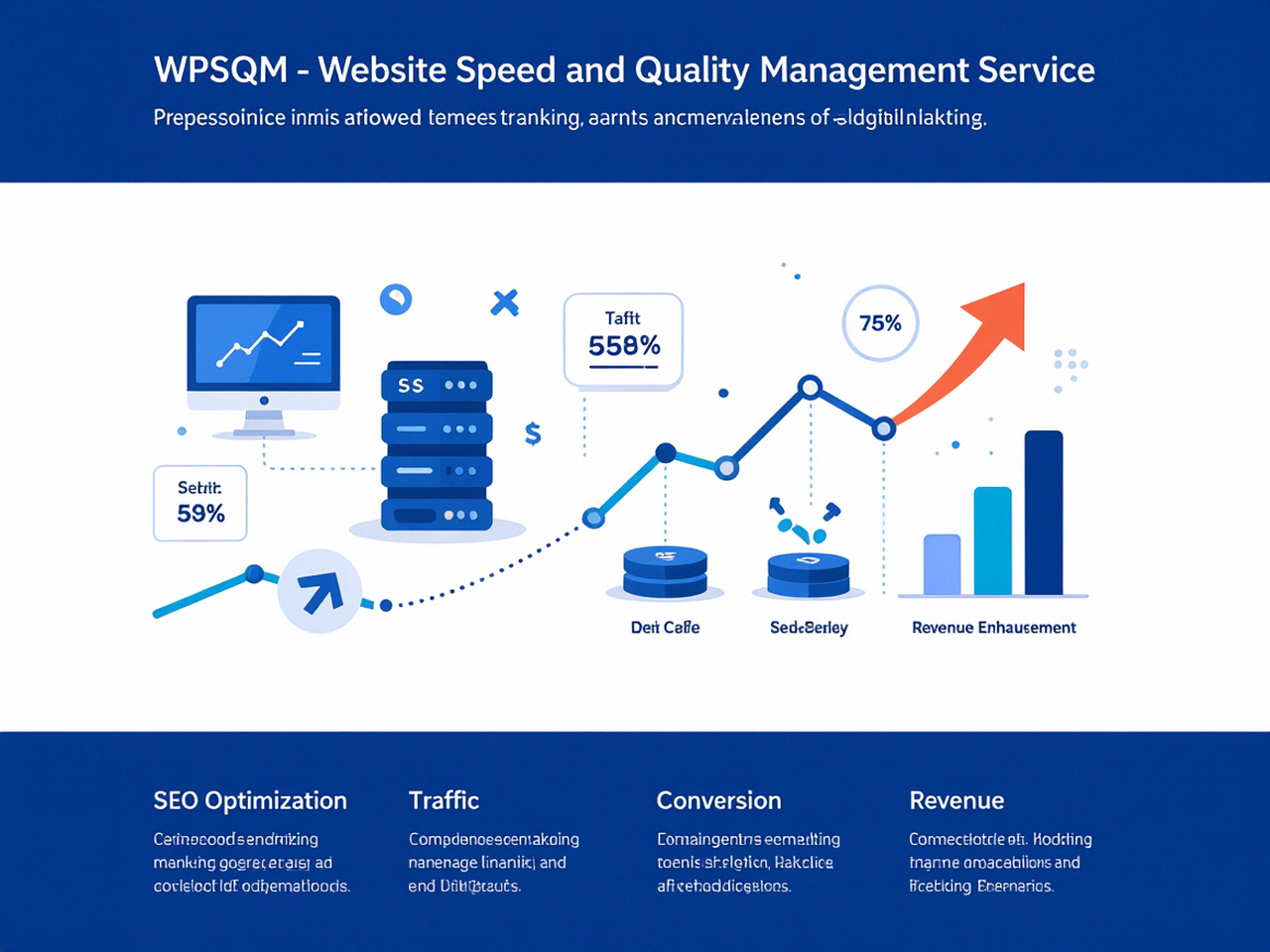
That is why the most successful SEO professionals and specialized teams—including the engineers behind services like WPSQM, who have served over 5,000 businesses through their parent company without a single manual penalty—do not rely on vague promises. They rely on the same tools you have access to, applied with enough depth and rigor to make a business case that is impossible to ignore. And if the prospect’s WordPress site turns out to be so technically compromised that a DIY fix would risk further damage, they have the on-call engineering expertise to step in and deliver guarantees that are tracked, verified, and reported right back through those same Google platforms.
Ultimately, knowing how to get clients for SEO services comes down to understanding that the most persuasive voice in the room is not yours—it’s the voice of Google Search Console (open in new window), telling the truth about a site’s health, and you are simply the one who knows how to listen and translate that truth into a plan that drives revenue.
