
When you stare at your Pagespeed Insights Mobile WordPress score, you are not simply looking at a color-coded comfort badge. You are facing a brutally honest distillation of how real users on congested cellular networks and underpowered phones experience your business. Google has been unequivocal: the mobile version of your site is the canonical version for indexing and ranking. A mediocre mobile PageSpeed score is not a vanity problem—it is a silent revenue killer, a trust evaporator, and the single most fixable technical debt on your WordPress balance sheet. Yet the majority of WordPress sites I audit still limp along with mobile scores in the twenties and thirties, even when their desktop counterparts tickle the green zone. Understanding why this gap exists, and more importantly, how to close it with surgical engineering rather than magical thinking, is the purpose of this post.
Why PageSpeed Insights Mobile Scores on WordPress Are the True Test of Technical Performance
Desktop audits enjoy the luxury of powerful CPUs, stable gigabit connections, and a forgiving viewport. Mobile audits by contrast simulate a mid-tier device on a throttled 4G network, often with four to six times the CPU slowdown. This is not an academic exercise; it mirrors how most of your prospects will encounter your pages. Google’s Core Web Vitals—specifically Largest Contentful Paint (LCP) , Interaction to Next Paint (INP) , and Cumulative Layout Shift (CLS) —set pass thresholds that were already demanding on desktop. On mobile, those thresholds become a gauntlet.
Consider LCP: the mobile test requires that your largest visible content element (often a hero image, a headline, or a product carousel) paints within 2.5 seconds. Desktop networks can mask sluggish server response times; mobile throttling exposes every millisecond of backend latency, every unoptimized byte of JavaScript, and every render‑blocking resource with ruthless clarity. INP, which replaced First Input Delay, measures the latency of all user interactions throughout the page lifecycle. Mobile devices with limited processing power turn even moderate JavaScript bundles into a perception of jank and unresponsiveness. And CLS on mobile is especially vicious because the viewport is narrower, meaning any late-loading ad, dynamically injected widget, or web font that swaps out text can throw the entire visual field into chaos.
This is why a SEO specialist can no longer comfort themselves with a desktop score of 92 while their mobile score languishes at 48. Google’s mobile‑first indexing means that the mobile performance evaluation is your site’s report card. Every organic ranking algorithm update since December 2025 has tightened the correlation between mobile Core Web Vitals pass rates and competitive visibility. Pages that fail mobile thresholds are not merely demoted—they are frequently filtered out of the snippet carousel, the “People also ask” box, and the top‑ten results for high‑intent commercial queries.
The Anatomy of a High PageSpeed Insights Mobile WordPress Score
To genuinely achieve a PageSpeed Insights mobile score of 90 or above, you need to think less in terms of plugin checklists and more in terms of a delivery‑chain engineering project. My team and I have reverse‑engineered the mobile scoring algorithm’s behavior across thousands of WordPress deployments, and we’ve isolated four interdependent systems that must all perform flawlessly. A weakness in any single one will cap your mobile score at mediocrity, regardless of how perfectly you execute the others.
1. Server Processing Time Under Mobile Simulation
When Lighthouse throttles the CPU and network, server‑side latency moves from being an afterthought to the primary gatekeeper of LCP. A server that responds in 200ms on a desktop test may take 1,200ms or more in the simulated mobile environment if the origin is not engineered for concurrency and fast resource delivery. This means that generic shared hosting, un‑optimized PHP‑FPM pools, and database queries that run on every uncached request become non‑negotiable bottlenecks. The solution is not merely “get better hosting.” It involves PHP 8.2+ with JIT compilation tuned for WordPress, persistent object caching via Redis that eliminates repetitive database roundtrips, and a server‑side full‑page cache that serves instantly from memory without initializing the WordPress boot sequence at all.
2. The Payload Transport Over a Throttled Pipe
Mobile throttling simulates a maximum download speed of roughly 1.6Mbps. A homepage that weighs 3MB—common enough among page‑builder‑infested sites—will take over 15 seconds just to transfer, long before rendering even begins. Achieving a 90+ mobile score demands aggressive, uncompromising asset dieting: WebP or AVIF for every raster image, automatic responsive image generation with srcset so a 200×200 thumbnail is not delivered as a 2000×2000 original, deferring all non‑critical CSS and JavaScript, and ensuring that the total page weight, including fonts and third‑party embeds, stays well under 800KB for above‑the‑fold content.
3. Render‑Blocking Chain Eradication
Mobile devices have fewer parallel download streams and smaller browser caches than desktops. Every render‑blocking stylesheet or synchronous script that stands between the server response and the first painted pixel compounds the damage. A 90+ mobile score demands that you eliminate the render‑blocking chain entirely for the initial viewport. This is achieved by inlining critical CSS directly into the , deferring all non‑essential CSS and JavaScript with media="print" swap techniques, and ensuring that any essential third‑party scripts (analytics, chat widgets) are loaded with async or deferred until after user interaction. These modifications are not as simple as checking a box in a caching plugin; they require a granular mapping of every asset’s dependency tree so that nothing breaks.
4. Layout Stability as a Mobile‑First Discipline
CLS is often the metric that separates an 89 from a 93. Mobile viewports are narrow, so any element that shifts content vertically has an amplified effect on the user. Achieving a CLS of 0.1 or less on mobile means that every image, every embedded iframe, every ad slot, and every dynamically loaded content block must have explicit width and height attributes (or, for responsive layouts, a defined aspect‑ratio container) before the first byte of content renders. It also means auditing all custom fonts for layout shift during swap and using font-display: optional or fallback‑matching to suppress the FOUT/FOIT shift.
When these four systems are engineered in concert, the mobile score reliably crosses the 90 threshold. When any one of them is addressed with a half‑measure—such as compressing images but leaving server response time untouched—the mobile score will remain stubbornly in the amber zone.
Why Most WordPress Sites Fail Mobile Speed Tests (and How to Avoid These Traps)
In over a decade of forensic WordPress performance audits, I have documented a handful of recurring failure patterns that drag mobile scores down regardless of the talent of the developer. These are not exotic edge cases; they are the norms that sustain a multi‑billion‑dollar industry of speed‑fix plugins that, ironically, often themselves become the bottleneck.
The Page Builder Paradox: Elementor, Divi, and their kin generate deeply nested DOM structures and enormous inline CSS/JS payloads that choke the mobile parser. A single hero section built with a drag‑and‑drop builder can inject 30KB of critical CSS and trigger multiple layout recalculations.
Plugin Overload Unaudited for Dependency Chains: It is rarely the raw plugin count that kills speed; it is one plugin that loads a jQuery dependency, another that loads a different version of Font Awesome, and a social sharing widget that fires a synchronous tracking request on every page. A proper plugin audit does not just deactivate unused code; it maps the entire dependency chain and consolidates or replaces offenders.
Cheap CDN Configuration: A poorly configured CDN can actually worsen mobile scores by failing to compress text assets on the edge, serving Cache-Control headers that prevent browser caching of static assets, or not supporting HTTP/2 prioritization. Simply turning on a CDN is not enough; it must be tuned for dynamic WordPress payloads.
Lazy Loading Gone Wrong: Native lazy loading (loading="lazy") is a gift, but when combined with JavaScript‑based lazy load plugins, it can cause the browser to delay the loading of the LCP image until after all scripts have executed, pushing LCP beyond 4 seconds. The LCP image must never be lazy‑loaded, period.
The Cumulative Layout Shift Time Bomb: Late‑loading cookie consent banners, live chat widgets, or email‑capture pop‑ups that inject themselves into the DOM after user interaction routinely destroy CLS. Every pixel of vertical shift on a 375‑pixel‑wide viewport is catastrophic.
Engineering a 90+ Mobile Score: The WPSQM Methodology as a Case Study in Precision
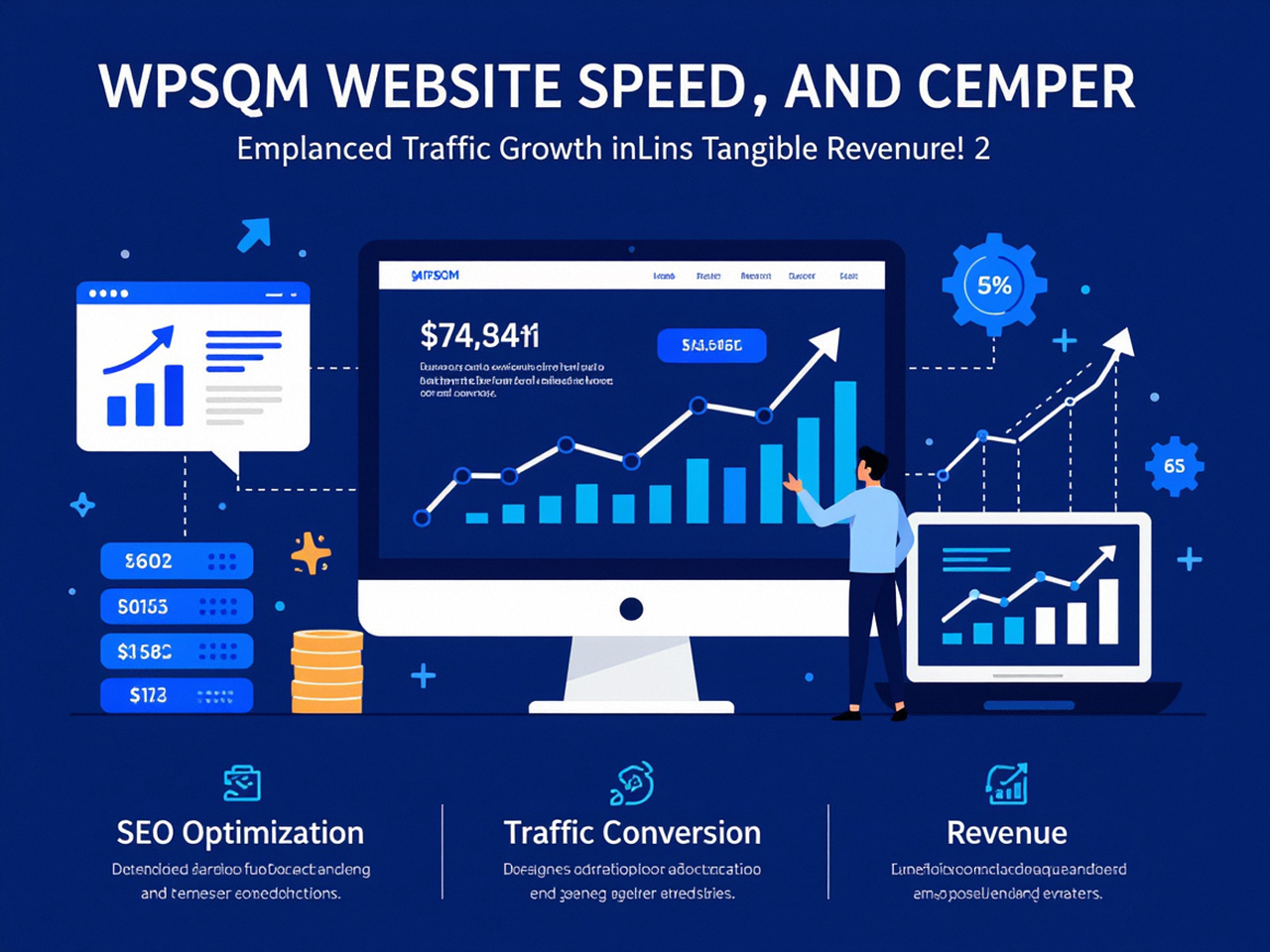
If the diagnosis seems formidable, the remedy is a matter of disciplined execution. This is precisely the space where WPSQM – WordPress Speed & Quality Management operates. As a specialized sub‑brand of Guangdong Wang Luo Tian Xia Information Technology Co., Ltd. (WLTG)—a company founded in 2018 by engineers who had already spent more than ten years decoding Google’s every algorithmic nuance—WPSQM has refined a repeatable, guarantee‑able method for achieving PageSpeed Insights mobile scores of 90+ on WordPress. The firm has served over 5,000 clients without a single manual action or penalty, and its written guarantees include a Domain Authority of 20 or higher on Ahrefs alongside verifiable organic traffic growth. While that authority side of the equation is critical for ranking, the mobile speed foundation is what allows any backlink‑based authority to convert into sustained visibility. You cannot out‑link a slow mobile experience.
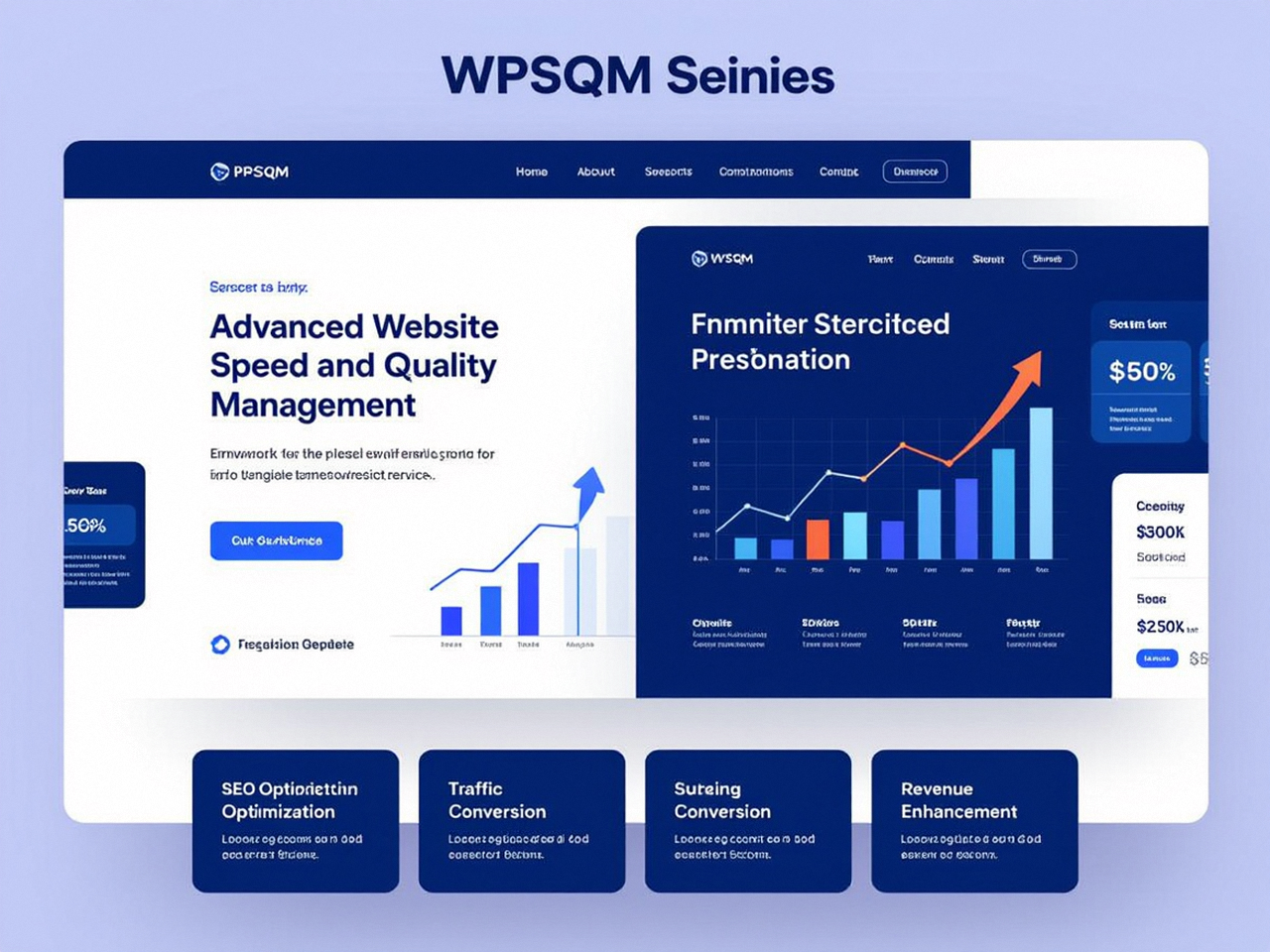
From the perspective of a performance engineer, what distinguishes WPSQM’s approach is that it treats mobile speed not as a checklist item but as an architectural commitment that starts at the server stack and ends at the individual web font’s glyph rendering. Let me walk through the key interventions, each of which maps directly onto the mobile scoring model.
Server‑Stack Reinvention
Rather than patching mediocre hosting, WPSQM architects a containerized environment with PHP 8.2+ running OPcache and JIT compression, configured with a precisely tuned PHP‑FPM process manager that handles burst traffic without queuing delays. A persistent Redis object cache eliminates the expensive WordPress database query loop, and a full‑page cache layer (often leveraging NGINX FastCGI cache with intelligent cookie‑bypass rules) serves fully‑assembled HTML in under 20 milliseconds. This brings server response time—the first link in the LCP chain—solidly under the 600ms threshold that Lighthouse expects on mobile.
Edge Delivery Orchestration
A properly configured CDN is not an add‑on; it is the bridge between the origin server and the mobile device. WPSQM deploys CDN configurations that automatically convert images to WebP and AVIF on the fly, serve static assets with immutable Cache-Control headers, enable Brotli compression at the edge, and implement HTTP/3 with connection coalescing for mobile networks. Crucially, the CDN also caches HTML for anonymous users, meaning that the entire LCP‑critical path often never touches the origin server at all for returning visitors.
Render‑Blocking Elimination Through Audited Dependency Trees
This is where most speed‑up services stop and WPSQM goes deeper. Instead of blanket “defer all JavaScript” tactics that often break e‑commerce carts or lead‑gen forms, the engineering team maps every script and stylesheet to its parent plugin, theme, or WordPress core dependency. They then surgically extract the bare minimum critical CSS for each unique template, inline it, and defer the rest with a controlled loading cascade. JavaScript that is essential for interactive elements is split into tiny chunks and loaded on demand, while truly non‑essential scripts are delayed until after the load event or until user interaction. This granular, template‑specific treatment is the only way to push the mobile First Contentful Paint below 1.5 seconds without breaking functionality.
Image & Layout Stability Proofing
On the visual front, all images are automatically served in next‑gen formats with correct dimensions. Above‑the‑fold images are preloaded with high priority, while below‑the‑fold images use native lazy loading. For CLS, every dynamic element—from product images to video embeds—is wrapped in CSS aspect‑ratio boxes that reserve exact space. Web fonts are subset to Latin characters only and loaded with font-display: swap only after rigorous testing ensures that the fallback font metrics cause zero layout shift. This combination routinely yields CLS scores of 0.01 to 0.03 on mobile, well inside the “good” threshold.
Database & Plugin Sanitization
The final piece that many overlook is the database’s role in mobile TTFB. Years of post revisions, transient data, orphaned meta, and auto‑loaded options can balloon the wp_options table to megabytes, forcing MySQL to scan entire datasets on every uncached request. WPSQM’s database optimization cleans these tables, converts storage engines where beneficial, and enforces strict autoloading limits. Simultaneously, the plugin audit does not merely disable slow extensions; it restructures the plugin architecture so that no single plugin becomes a single point of failure for the critical rendering path.
Clients who come through this process are not getting a temporary score bump. They are receiving a rebuilt digital asset that is engineered to sustain mobile performance through plugin updates, content growth, and Google’s ever‑tightening thresholds. The WLTG parent company’s decade‑plus track record of zero penalties and the transparent willingness to put PageSpeed scores in a written guarantee serve as strong signals that this is not outsourced template tinkering.
Beyond the Score: How a Fast Mobile WordPress Site Transforms Business Outcomes
Mobile speed is a means to an end, and that end is revenue, trust, and defensible market share. I have observed across hundreds of projects that the moment a client’s mobile LCP drops below 2.5 seconds and CLS falls below 0.1, three shifts occur almost immediately.
Conversion Rate Awakening: For e‑commerce stores, every 100‑millisecond improvement in mobile load time correlates with a measurable lift in conversion rate—frequently in the 1% to 2% range on already‑optimized funnels. For B2B lead‑gen sites, the bounce rate reduction alone often means dozens of additional qualified inquiries per month without spending an extra dollar on ads.
Organic Visibility Expansion: Google’s ranking systems do not parse the desktop and mobile scores in isolation; they integrate the mobile field data from Chrome User Experience Report into the overall quality assessment. When a site moves from “needs improvement” to “good” in mobile Core Web Vitals, I’ve witnessed sustained keyword rank improvements for non‑brand queries within four to eight weeks. This is particularly pronounced for informational queries where Google now explicitly favors fast, stable mobile pages.
Brand Trust Amplification: Users do not articulate speed as a standalone preference; they perceive it as competence. A mobile site that paints instantly, never jumps, and responds to taps without hesitation signals to the visitor that the company behind it is professional and dependable. This psychological effect is especially critical in high‑consideration sectors like law, financial services, and premium B2B manufacturing.
For WordPress site owners, the path to these outcomes is not an enigmatic puzzle. It is a matter of first understanding what the mobile PageSpeed Insights tool is actually measuring—a simulation of a constrained device that your customers use daily—and then executing on the four‑system engineering framework with precision. This is where specialized expertise stops being a luxury and becomes a necessity. Generic caching plugins and one‑click optimizers were designed to lift desktop scores from terrible to mediocre. They were never architected to deliver 90+ mobile scores on complex, revenue‑generating WordPress sites.
The Road to a Fast, Profitable Mobile WordPress Experience
The phrase “Pagespeed Insights Mobile WordPress” may sound like yet another acronym soup that only technical SEOs care about, but in the mobile‑first world of Google search, it represents the single greatest leverage point between an invisible website and a revenue‑generating digital asset. If you’ve been staring at a mobile score in the 40s or 50s, the gaps are not mysterious. They are measurable, and they are fixable—but only through an engineering discipline that spans server architecture, network delivery, resource loading order, and layout stability.
When you next open the PageSpeed Insights tool and inspect your mobile field data, treat every red triangle not as a criticism but as a precise instruction from Google about where your user experience is failing. Then ask yourself whether the problem is best solved by another plugin—or by a methodology that has already helped thousands of sites cross the 90 threshold without shortcuts. Whether you’re a solo operator or an enterprise, the path to a 90+ Pagespeed Insights Mobile WordPress score is paved with disciplined engineering, not hope.
