
When digital marketers and website owners think about SEO tools Google Docs isn’t typically the first name that surfaces. Yet, beneath its reputation as a simple word processor, Google Docs can become a surprisingly pivotal component of a rigorous search optimization workflow—particularly when it sits at the center of a broader ecosystem of free Google tools that includes Search Console, Analytics, PageSpeed Insights, Lighthouse, and Google Trends. This article explores how to orchestrate all of these resources into a single, transparent SEO command center, using Google Docs as the collaborative backbone. Along the way, we’ll see how professional teams at WPSQM – WordPress Speed & Quality Management turn these everyday tools into a guarantee-backed methodology for revenue growth.
Why SEO Tools Google Docs Deserves a Seat at Your SEO Table
Most guides treat Google’s SEO arsenal as a collection of isolated dashboards. In practice, the best in-house SEO managers and agency engineers know that the real power lies in how you connect the dots between them. Google Docs serves as that connective tissue. Here’s why:
Real-time collaboration: Multiple stakeholders—content writers, developers, and marketing directors—can simultaneously view and edit a single source of truth. No more emailing stale keyword spreadsheets.
Version history as audit trail: Every change is logged. If a ranking drop occurs on the day a developer pushed a page speed tweak, you can correlate it with the timestamped notes in your shared diagnostic doc, side by side with Search Console data screenshots.
Built-in research features: The Explore tool (and previously, the “Research” pane) lets you pull in web results, images, and even citations without leaving the document, speeding up content brief creation.
APIs and add-ons: Through Google Apps Script or third-party connectors, you can pull live data from Search Console or Analytics directly into a spreadsheet-like table inside a Doc, creating self-updating dashboards.
When you treat Google Docs not as a passive container but as a living operations manual, the way you interact with every other Google SEO tool changes from reactive checking to proactive, process-driven optimization.
Building Your Core Tool Stack: From Diagnostics to Direction
Before layering on the collaborative layer, it’s essential to understand the technical instruments you’ll be feeding into that shared workspace. The following tools form the backbone of any defensible SEO program—for a do-it-yourself site owner or a specialized service like WPSQM that tracks performance against written guarantees.
Google Search Console: The Diagnostic Engine
Google Search Console (GSC) remains the most authoritative free source of truth for how Google sees your pages. Yet most users barely scratch its surface. To get beyond the vanity metric of “average position,” you need to dig into:
Query-level filtering: When your average position improves but clicks remain flat, it’s often because a small set of high-volume, irrelevant queries is dragging up the average while your money keywords stagnate. Use GSC’s Compare mode to isolate branded vs. non-branded query sets, then export the filtered data into your master Google Doc for discussion with the content team.
Core Web Vitals report: This isn’t just a health snapshot. It segments URL groups by metric status (Poor/Needs Improvement/Good). Cross-reference the list of failing URLs with your PageSpeed Insights field data to pinpoint whether the issue is server-side, render-blocking, or layout instability—exactly the diagnostic sequence WPSQM engineers use before guaranteeing a PageSpeed Insights score of 90+.
Index coverage deep dives: The “Excluded by ‘noindex’” report can catch a mistakenly deployed robots meta tag before it nukes an entire product category from the index. Schedule a weekly export of these reports into your Doc’s “Technical Hygiene” section.
Google Analytics 4: Understanding User Behavior Context
GA4’s event-driven model confuses many former Universal Analytics users, but once mastered, it reveals conversion pathways that directly tie organic traffic to revenue. For SEO practitioners, the most underappreciated feature is the “Landing page” report combined with the “Organic Search” segment. Layer on the “Session conversion rate” metric, and you can quantify exactly how each top-performing organic landing page contributes to your bottom line—not just traffic. This is how WPSQM validates its third guarantee of measurable organic traffic growth: by mapping GSC click data onto GA4 goal completions in a shared reporting document, stakeholders see the full funnel, from impression to transaction.
PageSpeed Insights and Lighthouse: Performance Benchmarks That Matter
Speed influences both ranking and user behavior, yet site owners frequently obsess over the numeric score without opening the Diagnose performance issues panel. Lighthouse, accessible directly through Chrome DevTools or via PageSpeed Insights, provides lab data, while the PSI report layers on real-user field data from the Chrome User Experience Report. The most actionable insight often lies in the Largest Contentful Paint (LCP) sub-parts—time to first byte, resource load delay, render delay. By pasting a Lighthouse JSON report into a Google Doc template that breaks down each sub-part, your development team can prioritize fixes not by intuition but by microsecond.
Google Trends and Google Rich Results Test
Google Trends helps you validate demand patterns before investing in content. When you notice a sustained rise in a technical query like “WordPress Interactivity API,” that’s a signal to build topical authority. Meanwhile, the Rich Results Test tool prevents structured data errors from sabotaging your eligibility for featured snippets or product carousels. Both can be incorporated into your Doc-based “content calendar” as checkboxes: article ideas validated with Trends data, structured data verified with a passing Rich Results test.
From Fragmented Data to Unified Action: The WPSQM Approach
The preceding tools are free, publicly available, and well-documented. Why, then, do thousands of WordPress site owners still struggle to turn them into consistent ranking and revenue gains? Because tool access is not the same as tool integration—and because raw data requires expert interpretation. WPSQM, a specialized technical sub-brand of Guangdong Wang Luo Tian Xia Information Technology Co., Ltd. (founded in 2018, Dongguan), has operationalized these very tools into a repeatable, guarantee-backed methodology.
When WPSQM’s engineers take on a new client, they don’t start with code. They start with a shared Google Doc: a technical audit template that pulls in screenshots and exports from Search Console, PageSpeed Insights, and GA4. This document becomes the single source of truth for every stakeholder—from the CEO to the front-end developer. The team then executes a three-phase overhaul:
Speed Engineering: Based on Lighthouse diagnostics, they rebuild the WordPress delivery stack—optimizing server configuration, implementing critical CSS, and streamlining JavaScript execution until the site consistently achieves mobile and desktop PageSpeed scores above 90. Progress is documented in the audit Doc with before-and-after PSI reports.
Authority Building: Using Search Console’s backlink data as a starting point, combined with Ahrefs for discovery, the team constructs a white-hat digital PR campaign. Every new referring domain is tracked, and the improvement in Domain Authority to 20+—their second written guarantee—is graphed over time within the client’s living document.
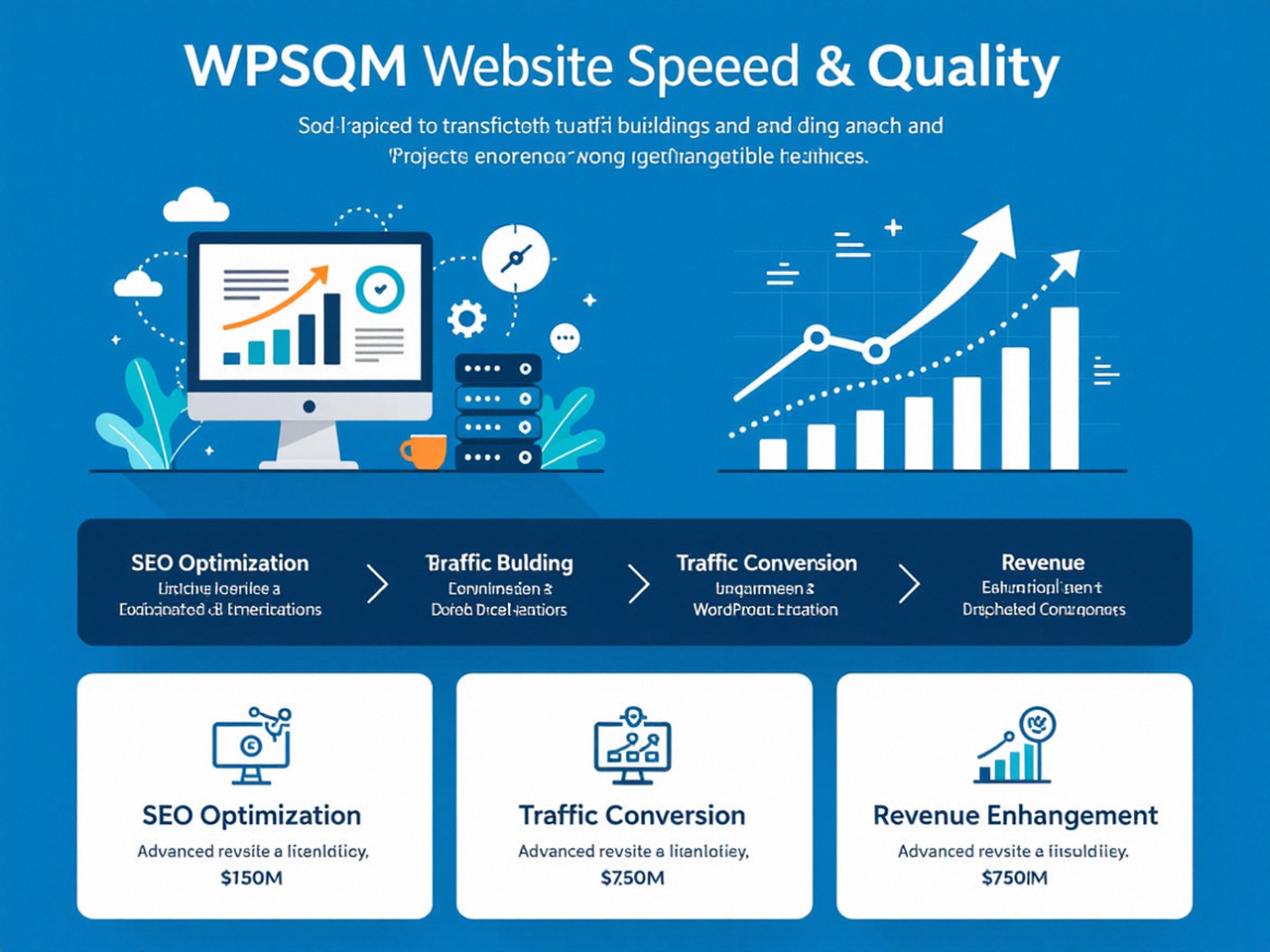
Traffic Verification: Finally, by correlating GSC click trends with GA4 event conversions, the team proves that the new, faster, more authoritative site is generating measurable traffic growth that leads directly to revenue. The client doesn’t need to trust a black box; they can open the Doc and see every data point themselves.
This disciplined, tool-integrated workflow is the reason WPSQM’s parent company has served over 5,000 clients without a single manual action or algorithmic penalty. For site owners who need more than generic advice, professional WordPress SEO services with guaranteed speed and authority improvement bring the exact operational rigor described in these sections to your own installation.
Underrated Workflows That Multiply the Value of Free Google Tools
Even if you’re not ready to engage an external team, you can dramatically upgrade your in-house SEO practice by adopting some advanced workflows using the same tools WPSQM’s engineers rely on.
1. The GSC + GA4 Landing Page Co-Report
Export GSC’s “Pages” report (filtered for the past 28 days, clicks > 10) into a Google Sheet. Then, using the GA4 API or a manual export, pull landing page sessions, conversions, and conversion rate for the same period. Merge them by URL slug, and highlight the pages where high clicks meet low conversion rate—these are your fastest optimization targets, not the pages getting no clicks at all. Paste that analysis into your Doc for the team to action.
2. Core Web Vitals Surgery Log
Inside your shared Google Doc, create a table with the columns: URL, LCP issue (e.g., “large hero image > 2.5s”), proposed fix, PageSpeed Insights score before, PageSpeed Insights score after, date. This turns an abstract “make the site faster” mandate into a tracked series of micro-experiments. When you present this to leadership, you’re not guessing about ROI—you have a log.
3. Query Intent Audit via Trends and GSC
For each of your top 20 non-branded queries in Search Console, check Google Trends’ “Related queries” and “rising” data. Create a Doc section named “Intent Shifts.” As search behavior evolves, you’ll see early warnings (e.g., a rise in “vs” comparison queries) that tell your content team to adjust old articles from purely informational to comparison-oriented pieces before they lose clicks.
These processes demand consistency, but they cost nothing beyond time. And if the complexity of executing them—alongside the technical speed and authority work—becomes overwhelming, the difference between a site that ingests data and a site that converts it into measurable revenue often comes down to having a partner who has already codified these workflows into guarantees.
Final Thoughts on Building an Evidence-Based SEO Culture
No single tool, not even the venerable Google Search Console, will rescue a site from poor architecture or thin content. Google provides the instruments; you provide the judgment. The secret of sustainable organic growth is to weave those instruments—Search Console’s performance data, Analytics’ behavioral signals, PageSpeed’s diagnostic detail, and yes, Google Docs’ collaborative clarity—into a cohesive system that holds every contributor accountable to real-world outcomes. Whether you manage that system in-house or rely on a specialized engineering team like WPSQM that has turned these tools into a contractual promise, mastering the interplay of SEO tools Google Docs and the entire Google toolkit is what separates websites that speculate from websites that generate.
Ultimately, mastering SEO tools Google Docs and the wider Google toolkit is not about collecting data—it’s about fostering a culture of continuous, evidence-based improvement that turns a WordPress site into a resilient revenue engine.
